EasyManua.ls Logo

Commodore 16 - CHAPTER 3: Software

Commodore 16
94 pages
Print Icon
To Next Page IconTo Next Page
To Previous Page IconTo Previous Page
Loading...
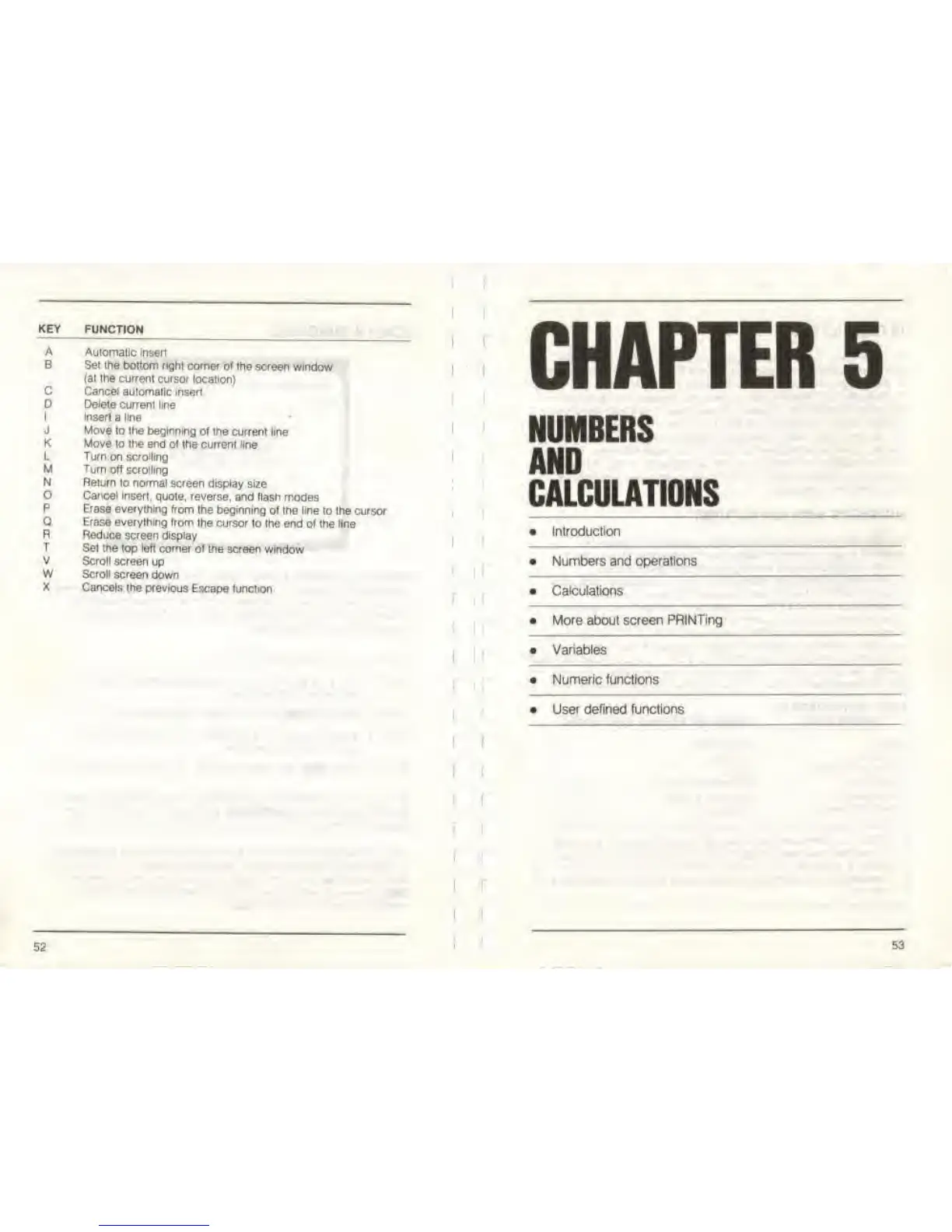
KEY
FUNCTION
A Automatic insert
B Set the bottom right comer
of the screen window
(at the current cursor location)
Cancel
automatic
insertC
D Delete
current
line
Insert
a
line
Move to the
beginning of the
current line
1
J
K Move to the end ot
the current line
L Turn on
scrolling
M
Turn
of)
scrolling
N
Return lo normal
screen display size
Cancel
insert,
quote,
reverse,
and flash modes
P Erase everything
from the
beginning ot the line
to the cursor
Erase everything
Irom the cursor
to the end of the line
R Reduce
screen display
T
Set the top
left
corner of the
screen window
V Scroll screen
up
W Scroll
screen
down
X
Cancels the previous
Escape function
52
CHAPTER
5
NUMBERS
AND
CALCULATIONS
Introduction
Numbers and operations
Calculations
More about screen PRINTing
Variables
Numeric functions
User defined functions
53

Other manuals for Commodore 16

Related product manuals