I
If you play note 'C' for example, then press 'WAVEFORM
SELECr
(the z key), and then play
'C'
again, you should
hear the note has a different sound quality (timbre), the
square wave. The
WAVEFORM indicator will
now
show
"_rL.
".
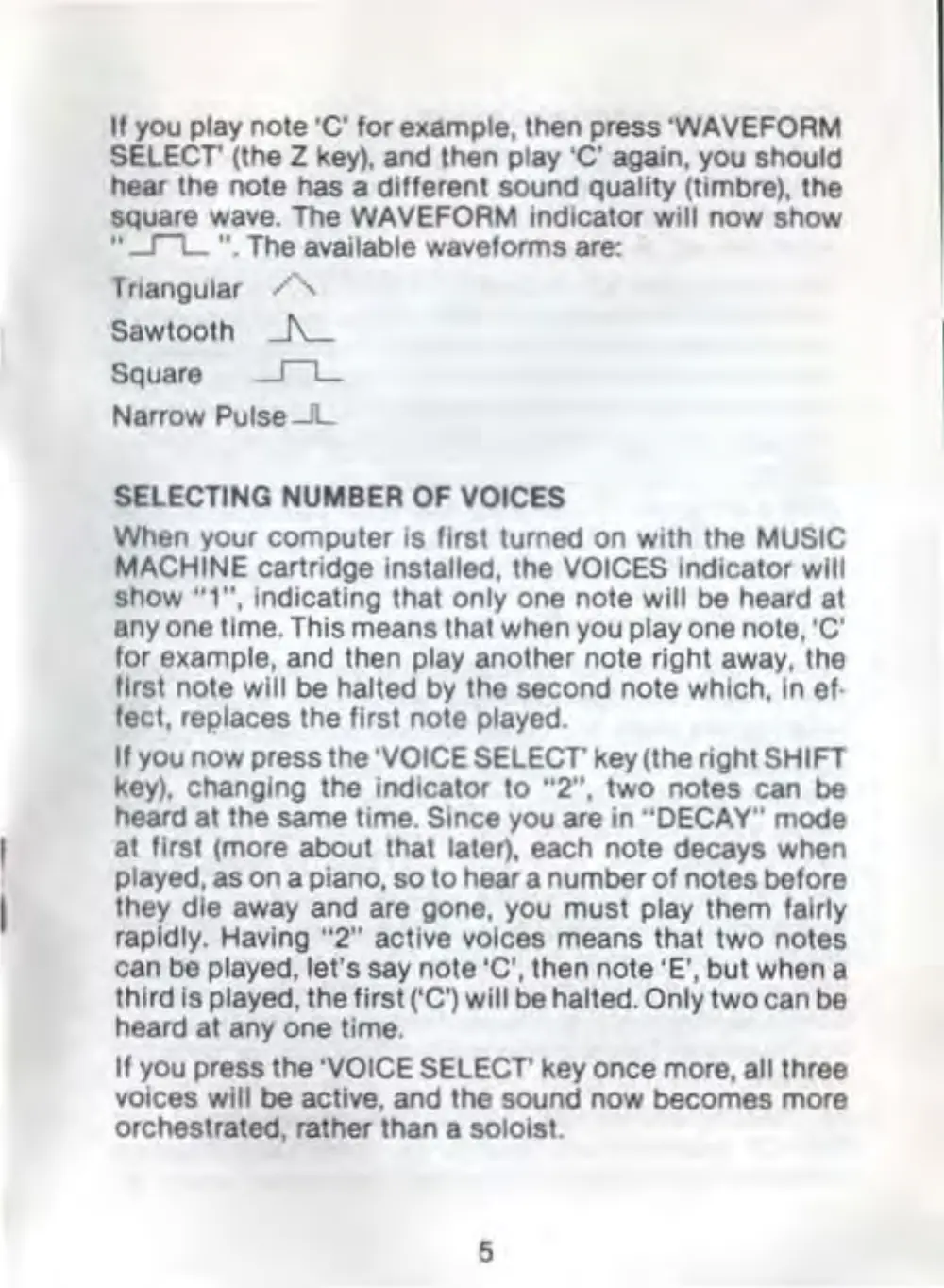
The available waveforms are:
Triangular A
Sawtooth _/\__
Square
___I"L_
Narrow Pulse
_Jl_
SELECTING NUMBER OF VOICES
When your computer is first turned on with the MUSIC
MACHINE
cartridge installed, the VOICES Indicator will
show
"1",
Indicating that only one note will be heard at
any one time. This means that when
you
play one note, 'C'
for
example, and then play another note right away, the
first note
will be halted
by
lhe second note which, in ef·
feet, replaces the first note played.
If
you now press the 'VOICE
SELECr
key(the right SHIFT
key),
changing the indica
tor
to
"2",
two notes can be
heard at the same time.
Since you are in "DECAY" mode
at first (more about that
later), each note decays when
played,
as
on
a piano,
so
to
hear a number
of
notes before
they die away and are gone,
you
must play them fairly
rapidly.
Having
"2"
active voices means that two notes
can be
played, let's say note 'C', then note 'E', but when a
third
Is played, the first ('C') will be halted. Only two can be
heard at any one time.
If
you press the 'VOICE
SELECr
key once more, all three
voices
will
be active, and the sound now becomes more
orchestrated, rather than a
soloist.
5



 To Next Page