13
3. The Programs
Here I will give a brief explanation of the programs provided with Workbench 2.05.
3.1 Workbench Disk
3.1.1 Utilities Drawer
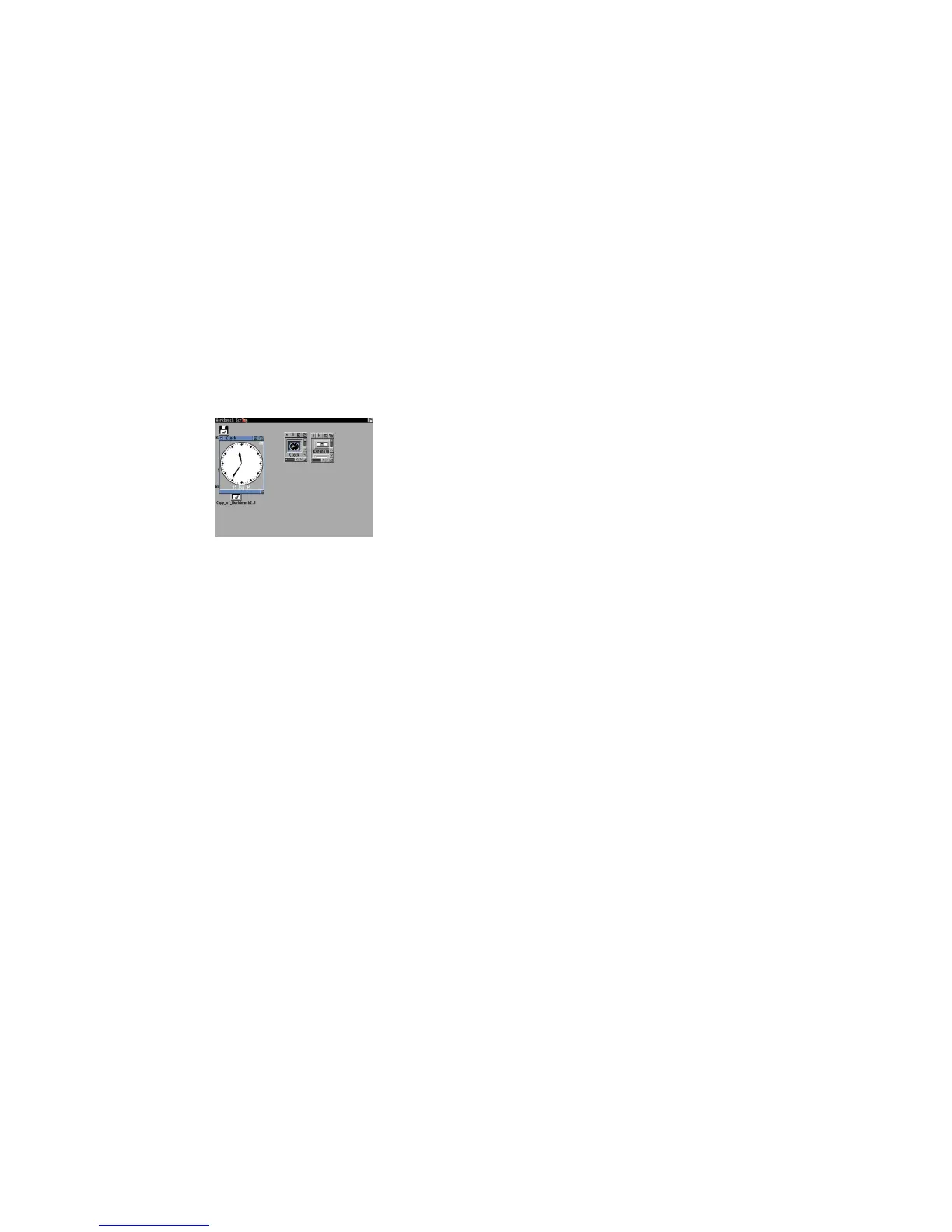
3.1.1.1 Clock
This displays an analogue or digital clock showing the present time and/or date. From the menu you
can select Analog, Digital 1 or Digital 2 (difference being is that one displays time in a window, the
other displays time in the window bar). You can also set the mode (12 or 24 hour), display seconds or
not, the date and whether to set an alarm for something.
3.1.1.2 Display
This program can view pictures in the Amiga IFF ILBM format. It can also display multiple pictures, like a
slideshow, by selecting the Display program and Shift and clicking on one or picture files and then
double click on the last picture to start the slide show.
You can run the program and then open a file from the file dialogue box, if the file has an Icon file you
can set its Default Tool to use Display to open and view the file automatically.
3.1.1.3 More
This program can be used from the command line to view text files with page breaks between screen=s
worth of text.















 To Next Page