18
3.4.2 Pointer
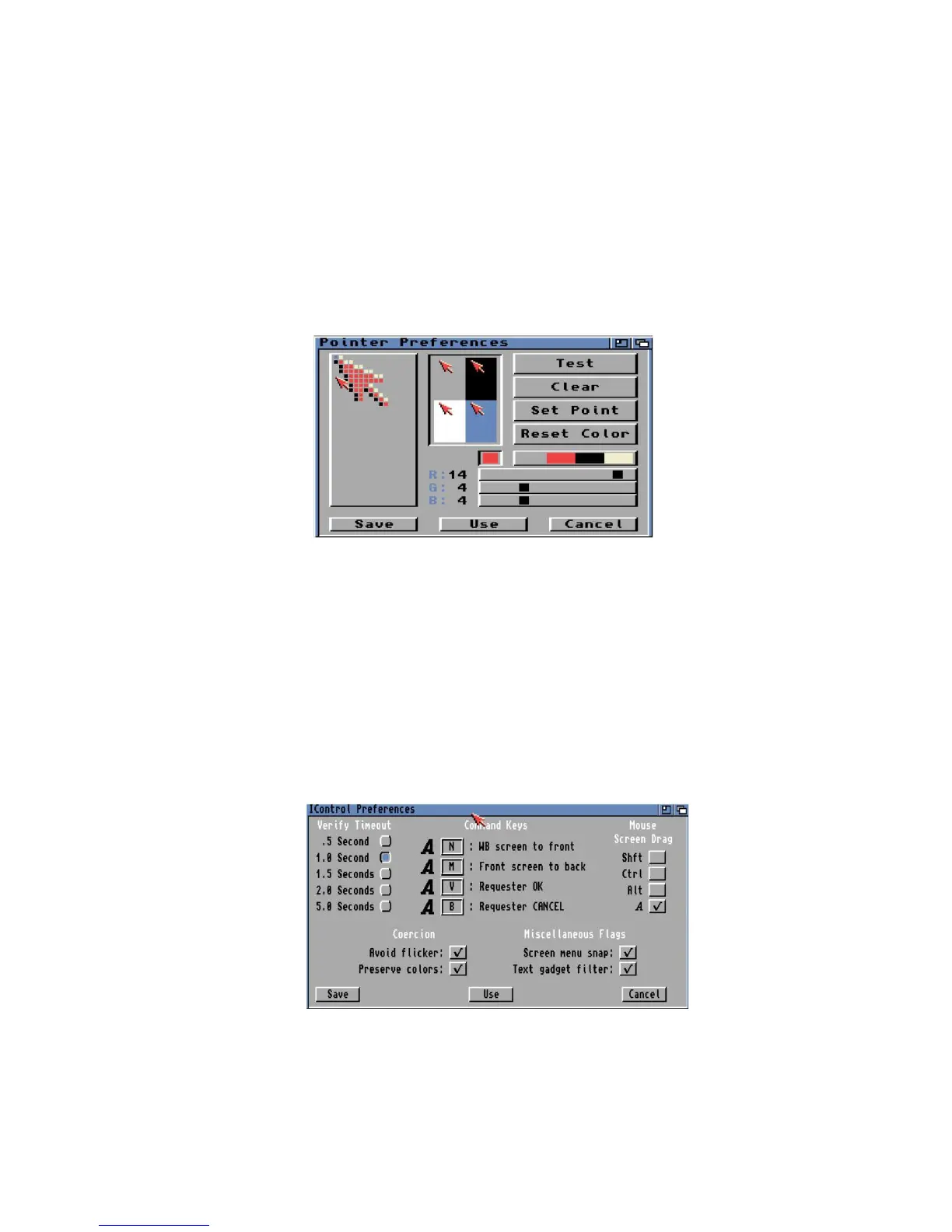
This preference can be used to change the shape of the mouse pointer. The Pointer can be a Low Res
or High Res pointer depending on screen resolution. The >Set Point= button determines where in the
image the click point is, by default it is at the top left. The >Test= button applies the changes to the
current point. The >Clear= button will erase the drawing area. The >Reset Color= will apply the default
color palette to the default.
3.4.3 IControl
Intuition control specifies preferences for key to use for disk Verify timeout (.5 to 5 secs), Command
keys, Mouse drag key, and enable options for Screen Menu Snap, Text Gadget Filter, Avoid Flicker and
Text gadget filter.















 To Next Page