INS_CNGEMC4+2[POE][HO]/M 09/08/20 PAGE 29
INSTALLATION AND OPERATION MANUAL CNGEMC4+2[POE][HO]/M
TECH SUPPORT: 1.888.678.9427
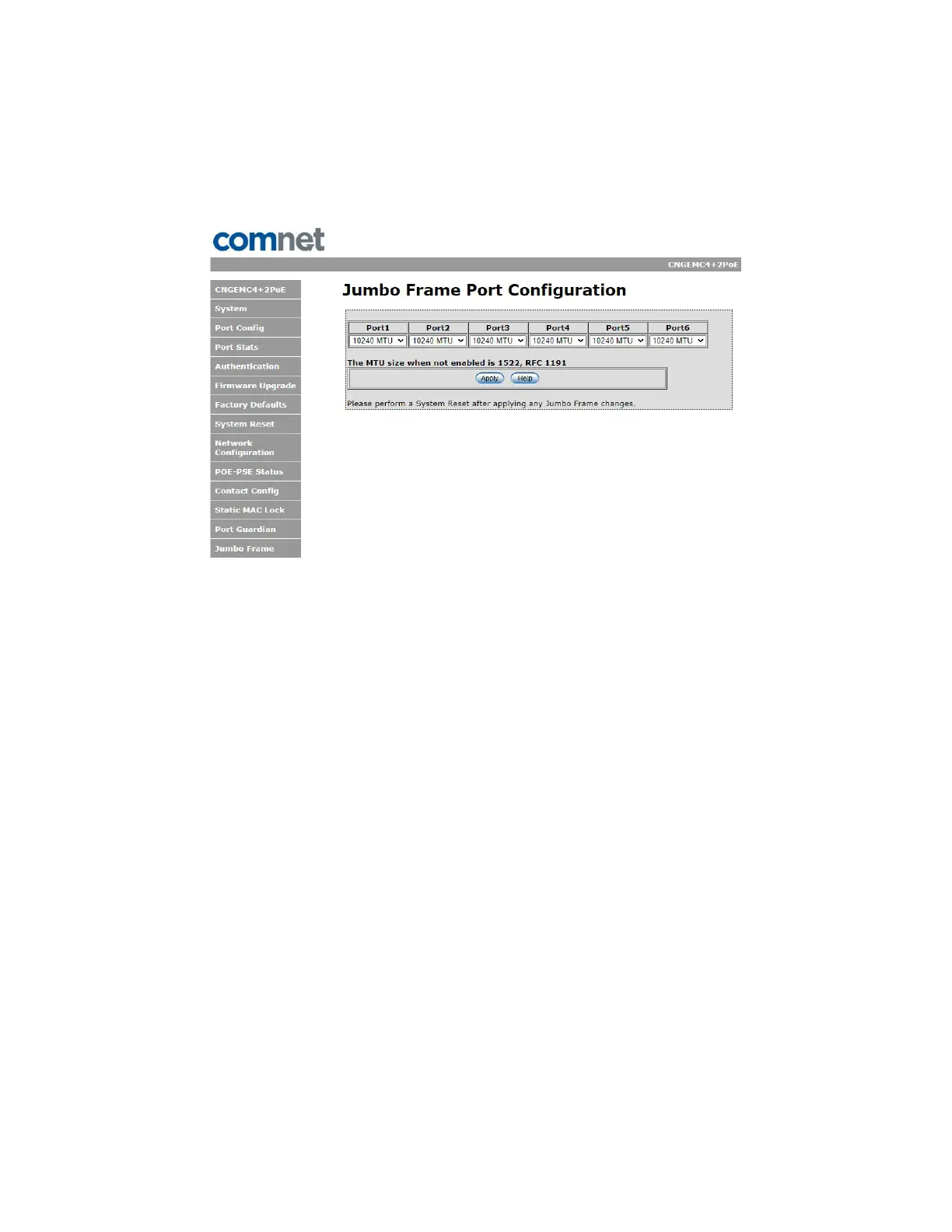
Jumbo Frame Port Configuration
Select port frame size (MTU). 10240 is the default for the device. To disable jumbo frame support,
select “Not Enabled” on the appropriate port. That will default the MTU size to 1522.


 To Next Page