Chapter1 Introducing Your Notebook
- 24 -
1.5 Keyboard
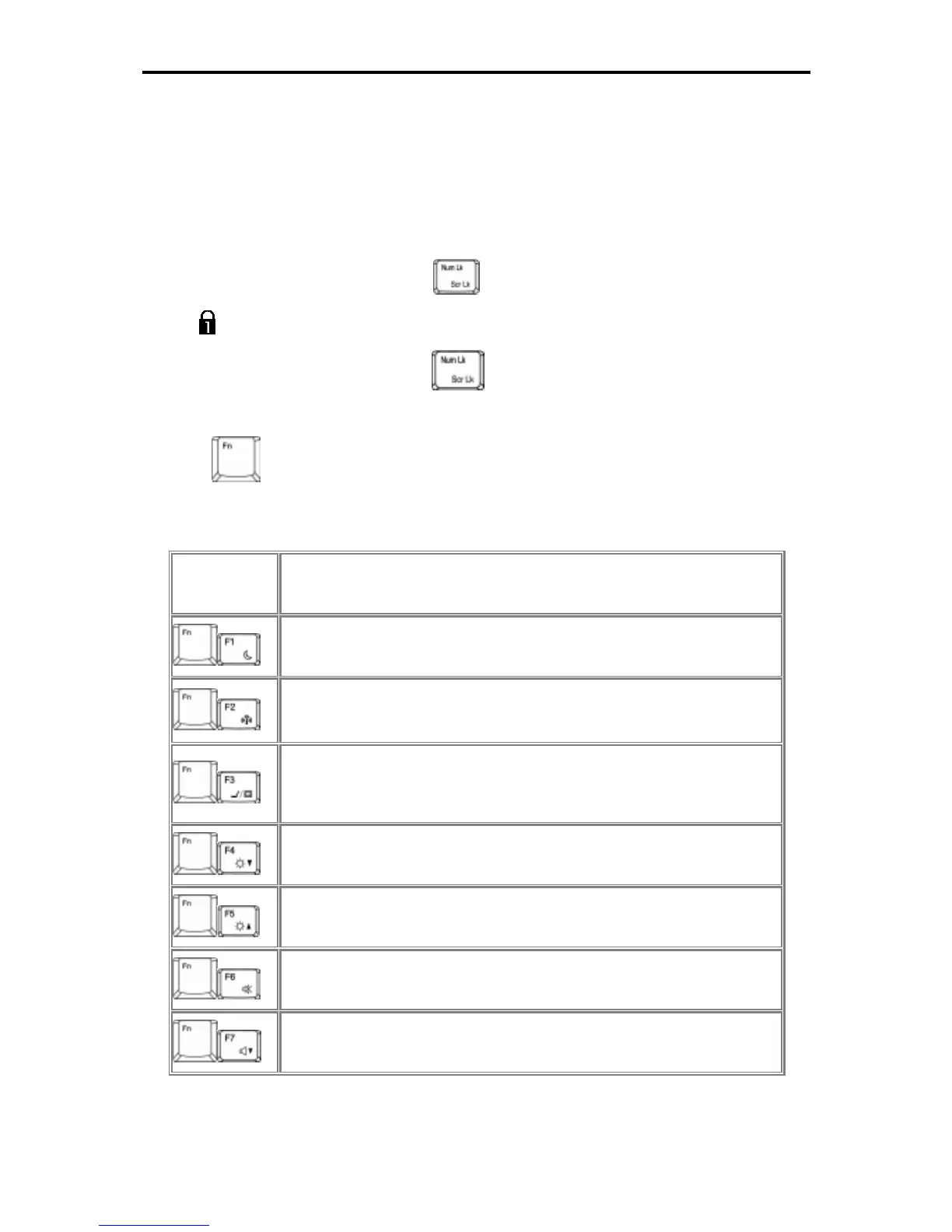
1.5.1 Numeric Keypad
Keypad numbers and symbols are marked in blue on the lower right edge of the keypad
keys.
To enable the numeric keypad, press
.
The
indicator will be shown on taskbar when the numeric lock is on.
To disable the numeric keypad, press
again.
To use the primary function of a dual-function key when the numeric keypad is enabled,
Press
and the desired key.
1.5.2 Keyboard Shortcuts
錯誤
錯誤錯誤
錯誤! 連結無
連結無連結無
連結無
效
效效
效。
。。
。
Touch pad disable/enable
Sleep
Wireless/Bluetooth Turn On/Off
To enable this function, you need to install Wireless Switch.
Switches Display Mode (LCD > CRT > TV > LCD + CRT
Simultaneous > LCD+TV Simultan



 To Next Page