Chapter3 Peripherals
- 36 -
3.2 Memory Modules
This machine has one memory socket for place memory module.
To remove a memory module:
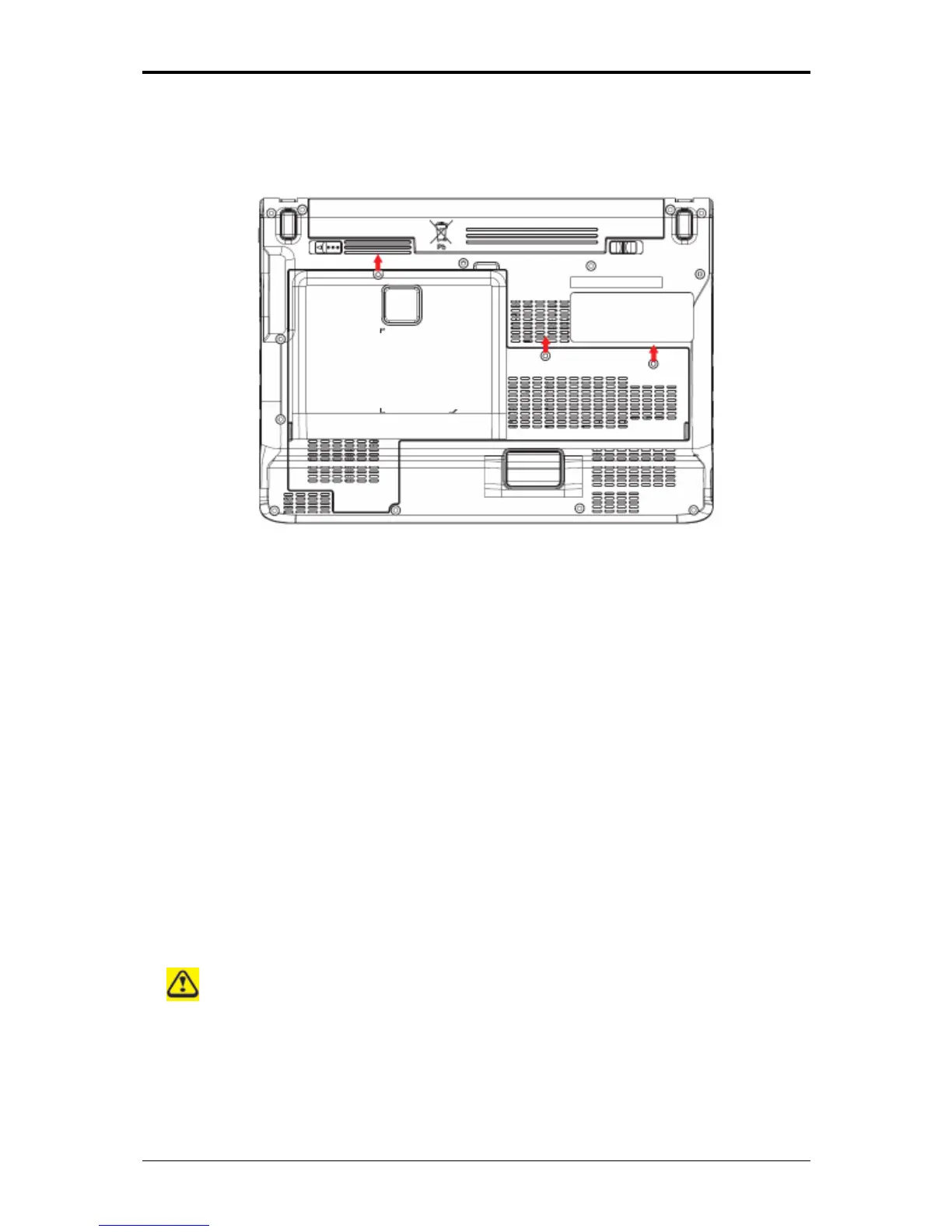
Remove the screws securing the bottom cover.
Lift off the bottom cover.
Pop out the sliver latch holding the memory module into place. The module pops up. Grasp
the outer edges of the memory module with thumb and forefinger, and then gently remove it.
To install a memory module:
Remove the screws securing the bottom cover.
Lift off the bottom cover.
There is one memory module port here.
When the module has been secured, press down gently until it snaps into place.



 To Next Page