8
6
7
2
3
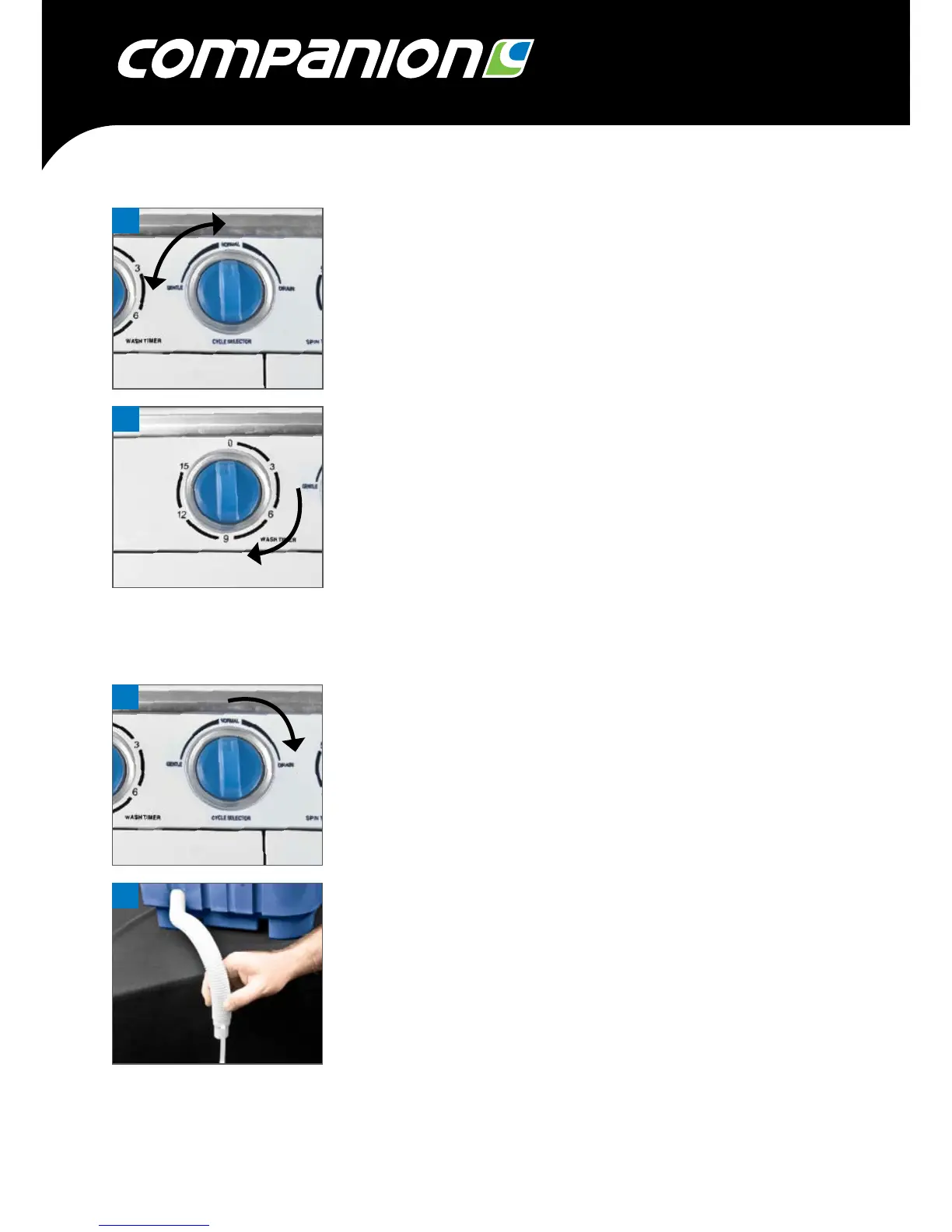
Step 6. Select the required washing level – Normal or Gentle.
Step 7. Rotate the timer in a clockwise direction to select the length of
time, in minutes, that is required. See the Washing Guide to set
the correct time.
DRAINING
Step 1. Once the appliance has completed the washing cycle ensure that the
drain pipe is located in a suitable position.
Step 2. Rotate the Cycle Selector switch in a clockwise direction and
select Drain.
Step 3. Allow all water to drain away from the appliance.
Step 4. Remove washing from the tub remembering to squeeze out excess
water from the articles.


 To Next Page