11
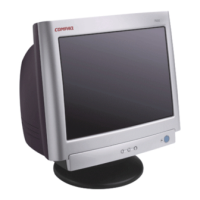
To clean the screen:
1. Shut down the PC.
2. Turn off and unplug the monitor.
3. Gently dust the screen with a dry, soft, lint-free cloth.
Note: If the screen is still dirty, you can dampen the cloth with several drops of distilled water.
Make sure the LCD panel is completely dry before you turn the monitor back on.
4. Plug in the monitor.
5. Turn on your PC and monitor.



 To Next Page