5–12 Maintenance and Service Guide
Removal and Replacement Procedures
2. Loosen the Phillips PM2.5×5.0 captive screw 1 that secures
the memory/Mini Card module compartment cover to the
computer.
3. Lift the right side of the cover 2 and swing it up and to the
left and remove it.
✎
The memory/Mini Card module compartment cover is
included in the Plastics Kit, spare part number 415691-001.
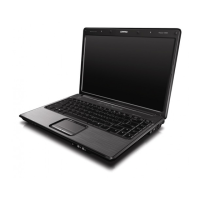
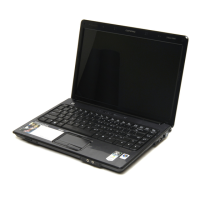
Removing the Memory/Mini Card Module Compartment Cover










 To Next Page