5–26 Maintenance and Service Guide
Removal and Replacement Procedures
5.12 Display Assembly
1. Prepare the computer for disassembly (Section 5.3).
2. Remove the memory/Mini Card module compartment cover
(Section 5.6).
Display Assembly Spare Part Number Information
✎
All display assemblies include a display cable, wireless antenna
transceivers, and antenna cables.
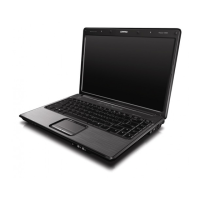
15.4-inch, WXGA with BrightView
15.4-inch, WXGA antiglare
407842-001
407840-001










 To Next Page