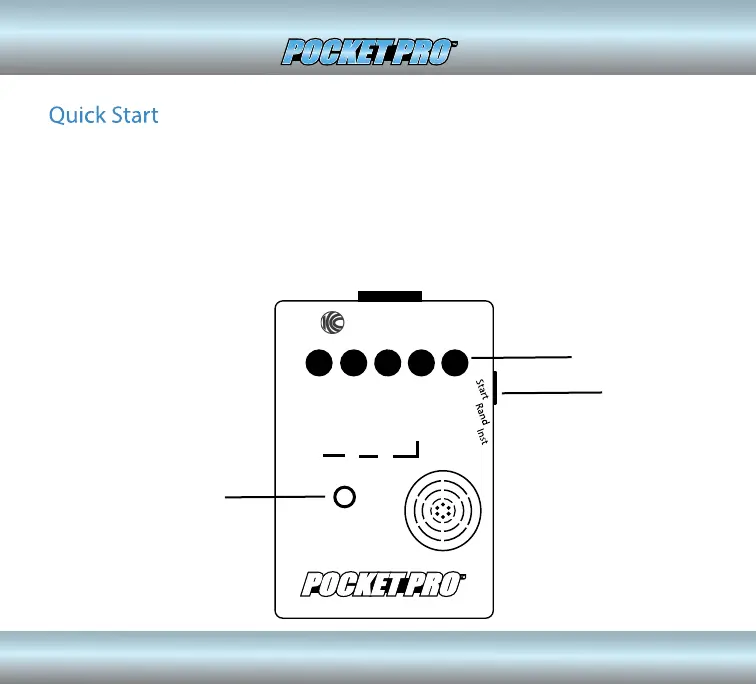
If you want to get started right away, all you have to do is press the POWER ON
button, then the START button on the side, and shoot. (You can tap on the case
near the sensor to simulate shots). The time to the last shot will be displayed. To
reset the Pocket Pro, press the start button again. It will automatically power
down after 10 minutes of inactivity. The last shot string and the 2nd beep (Par
Time) setting will be saved in power down memory
Competition
Electronics
POWER ON
BUTTON
START
BUTTON
SENSOR
2


 To Next Page