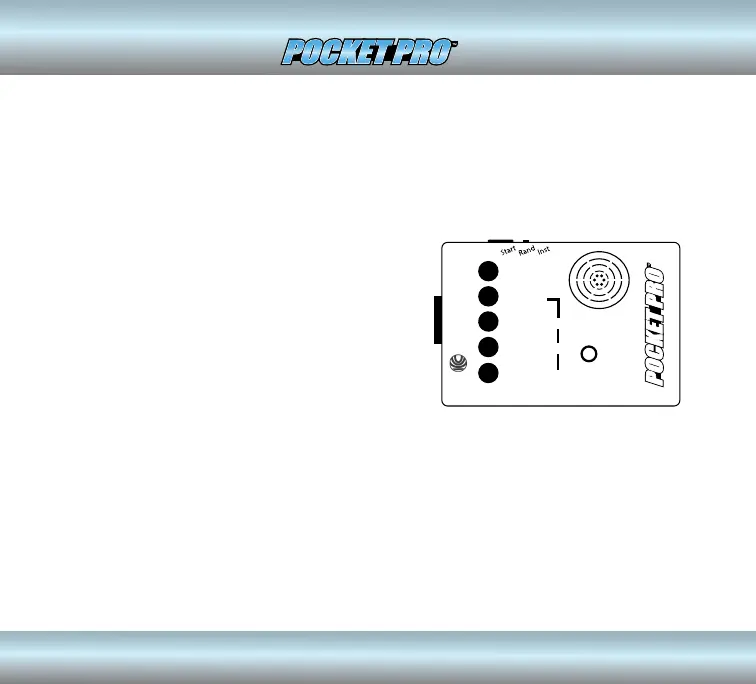
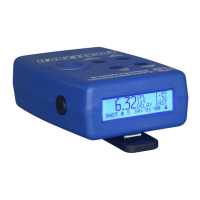
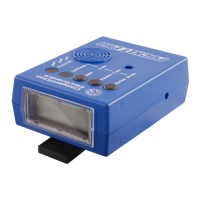
There are ve control buttons on the front of the case. Looking at the front of
the case left to right you will see REVIEW, NUMBER, SPLIT, 2nd BEEP, and POWER
ON buttons.
Competition
Electronics
REVIEW
NUMBER
After your last shot, you can review other
shots by pressing this button. The shot
number is displayed as long as you hold the
button OR for .5 seconds if you do not hold it
down. When the button is released, the time
from the start beep to that shot is displayed.
If you hold down the NUMBER button while
you press the REVIEW button, the shots will
be reviewed in reverse order. This button also
changes digits in the 10’s place when setting
a second beep.
Pressing the number button will show the number of the shot currently being
displayed. This button also changes digits in the 1’s place when setting a
second beep.
4


 To Next Page