Configuring the Liquid-full LED indicator for 12V operation.
Optional the liquids-full indicator LED can be configured to operate at 12V supplied at the main power
input. 12V Power Kit required and can be purchased separately.
Tools Required:
Philips Screwdriver
Additional Materials (not included):
12V Power Kit:
Power extension cable
Conduit
Cable ties
Self-adhesive fasteners
Victory Beverage
Optional Materials:
8mm or 3/8 Drill
To configure your CUDDY to use the main 12V power for the LED
indicator:
● Disconnect the 12V power input from CUDDY - this can be
checked by confirming the fan is not running.
● Remove the battery box cover and any battery that may be
inside. Replace the battery box cover.
● Pass the power extension cable through the split in the
conduit.
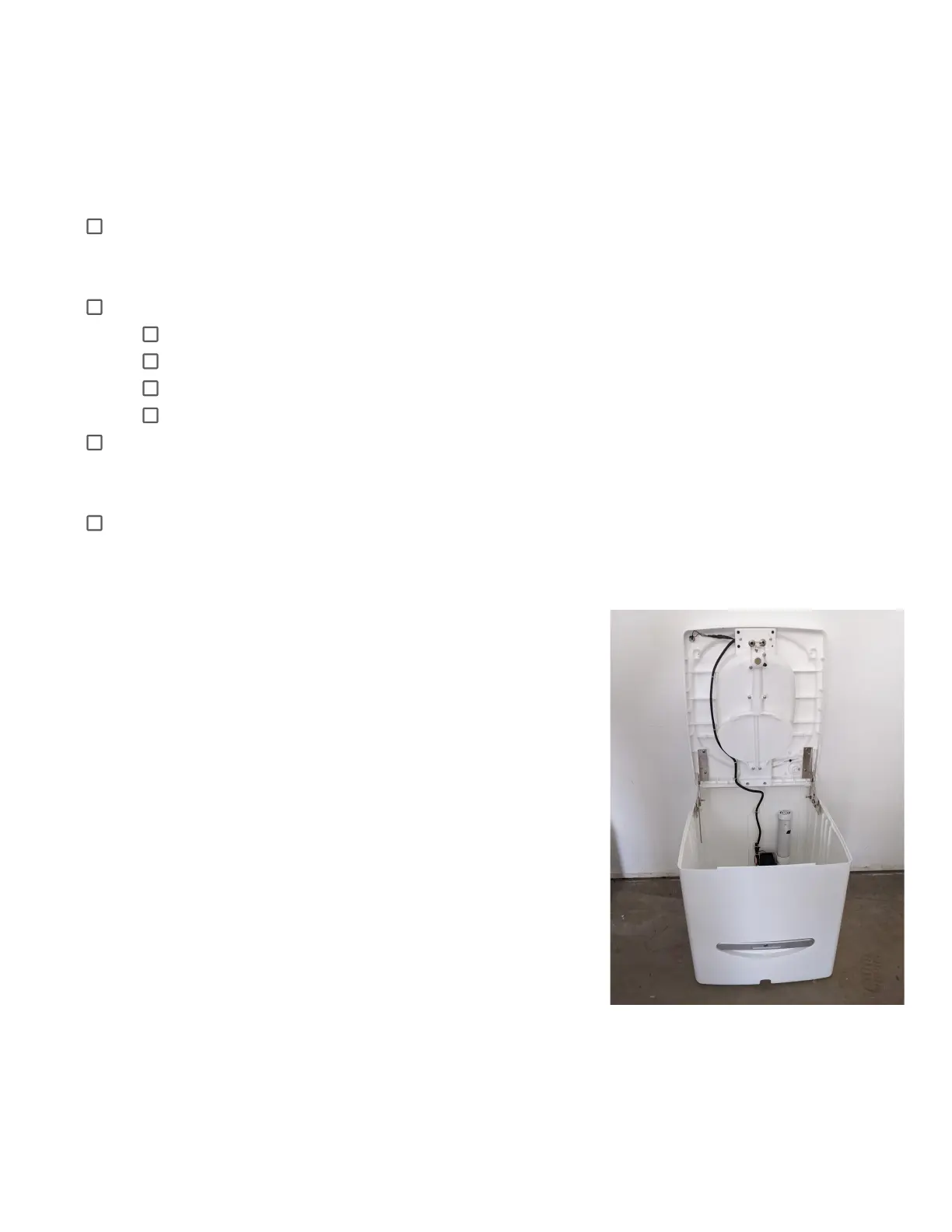
● Secure the conduit from the battery box to the rear of the
toilet, as shown below, using the self-adhesive fasteners.
Optionally: Use a drill to make holes in the ribs of the seat
and feed the conduit through.
● Attach the power cable to the power connector at the rear.
● Remove the screws securing the battery box to the seat.
● Remove the battery power cable from the connection
marked POWER on the circuit board.
● Connect the free end of the 12V power cable to the POWER
connection on the circuit board.



 To Next Page