HID (Human Interface Device) for Remote
After you install the software, you can see the remote logo show in your
system bar.
You can choose the “Option” to enter the setup window.
Setup:
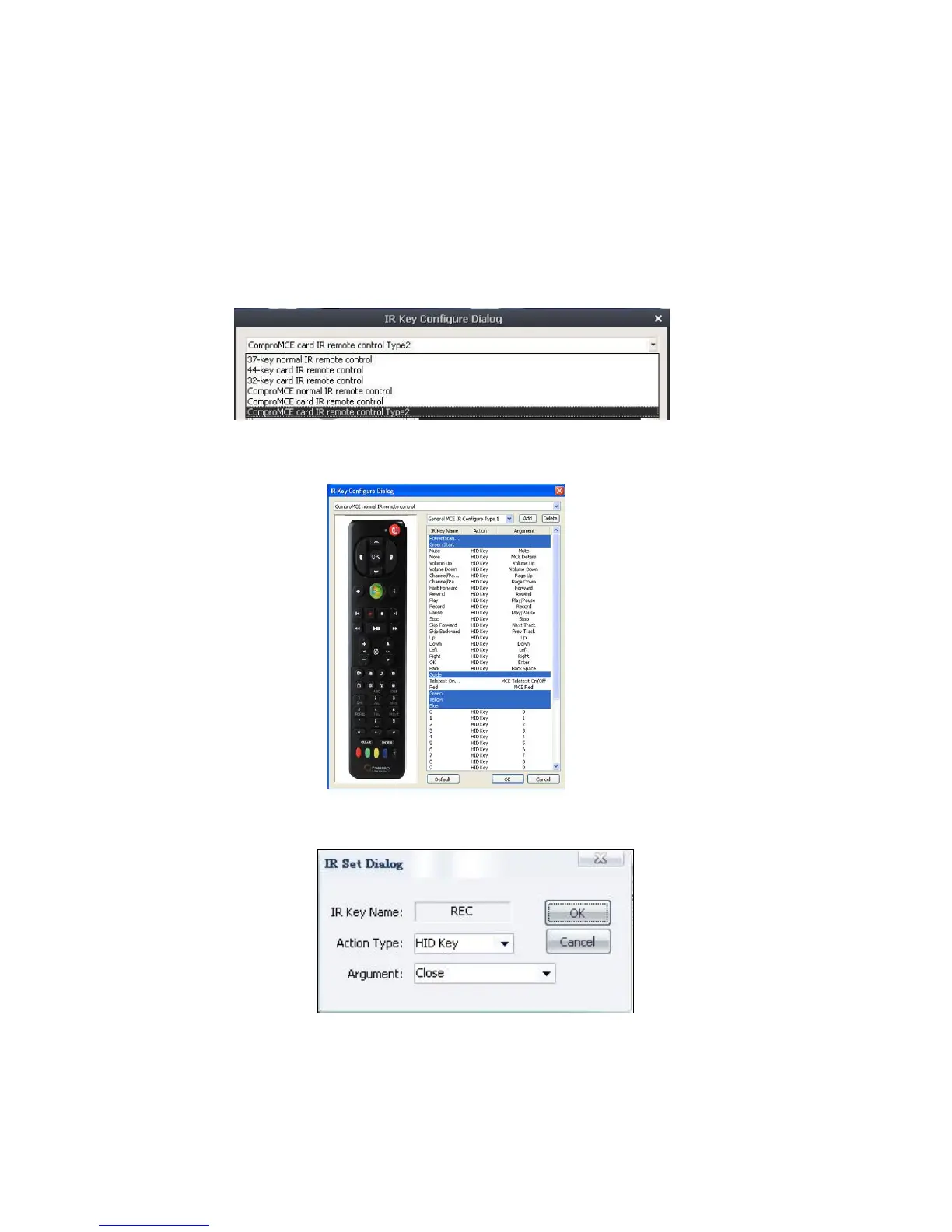
Step 1: Choose the type of your remote control. (There are many type of
remote from Compro, please select the remote picture as you have).
Step 2: Choose one IR function you want to change.
Step3: Set the IR dialog you want and press OK button.
Step4: Repeat setp1 to 3 to run all the changes.



 To Next Page