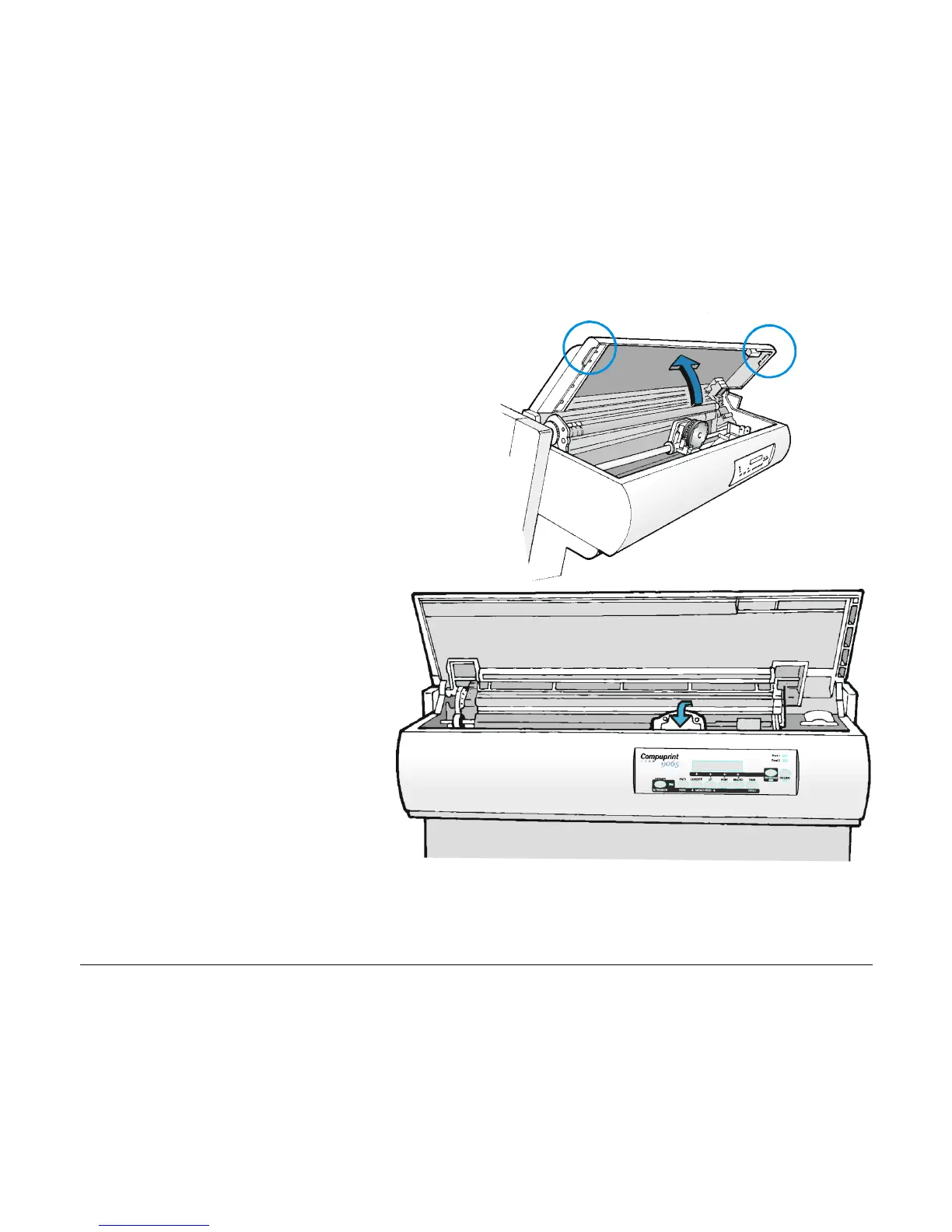
3. With the printer powered on, enter
the OFF LINE status pressing the
ON-LINE Key and then checking
ON-LINE indicator unlit.
4. Open the top cover using the small
handles on either side of the top
cover.
5. The print carriage prepares for
ribbon cartridge installation.
9



 To Next Page