9
I
I
n
n
s
s
t
t
a
a
l
l
l
l
i
i
n
n
g
g
t
t
h
h
e
e
R
R
i
i
b
b
b
b
o
o
n
n
C
C
a
a
r
r
t
t
r
r
i
i
d
d
g
g
e
e
In order to avoid damaging the print head assembly, this printer accepts only original Compuprint
ribbon cartridges. Therefore, if you install a not original cartridge, the printer may not work.
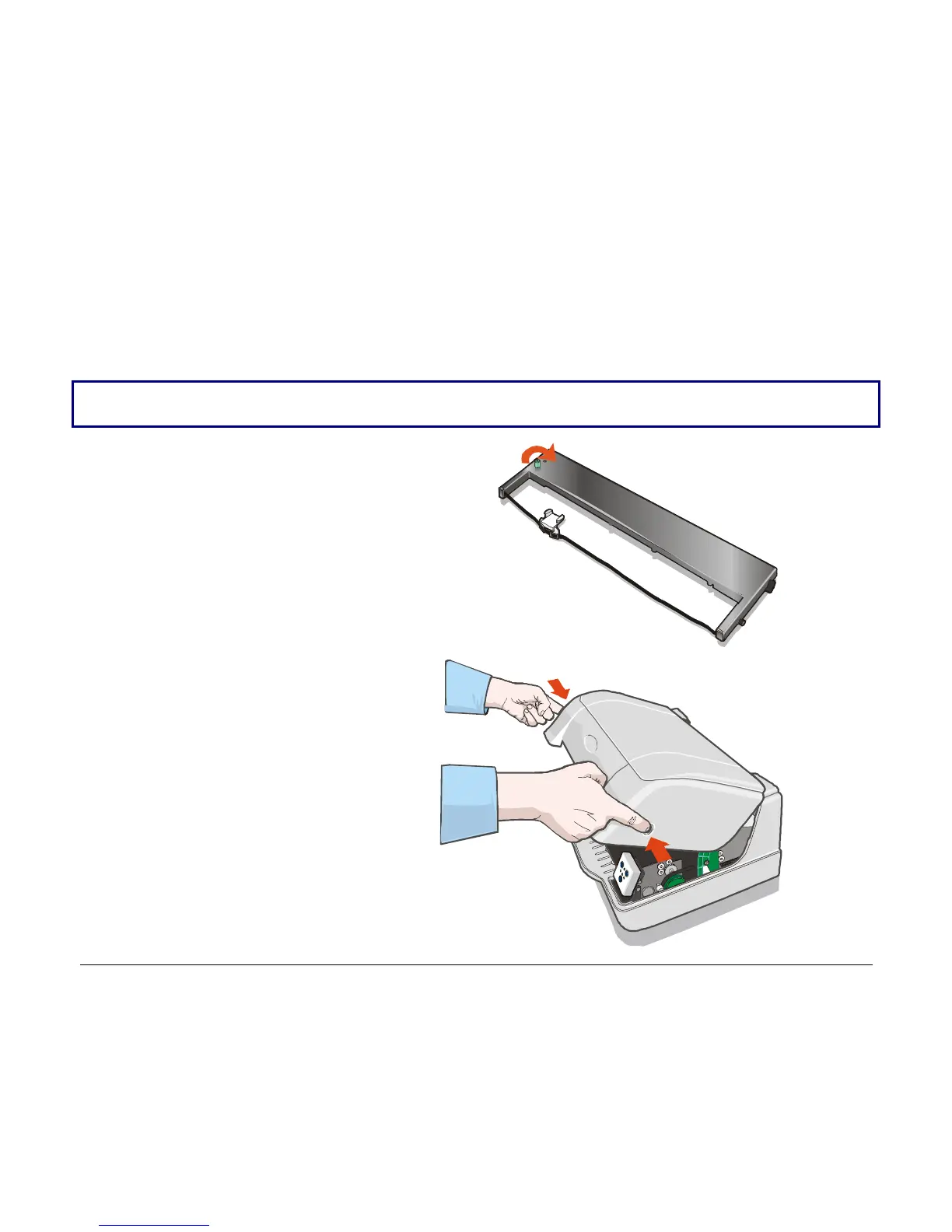
1. Remove the cartridge from its bag.
Turn the tension knob in the
direction of the arrow to tighten
the ribbon.
2. Open the printer cover.



 To Next Page