28
F
F
i
i
l
l
l
l
i
i
n
n
g
g
i
i
n
n
t
t
h
h
e
e
P
P
r
r
i
i
n
n
t
t
e
e
r
r
S
S
e
e
t
t
u
u
p
p
F
F
o
o
r
r
m
m
s
s
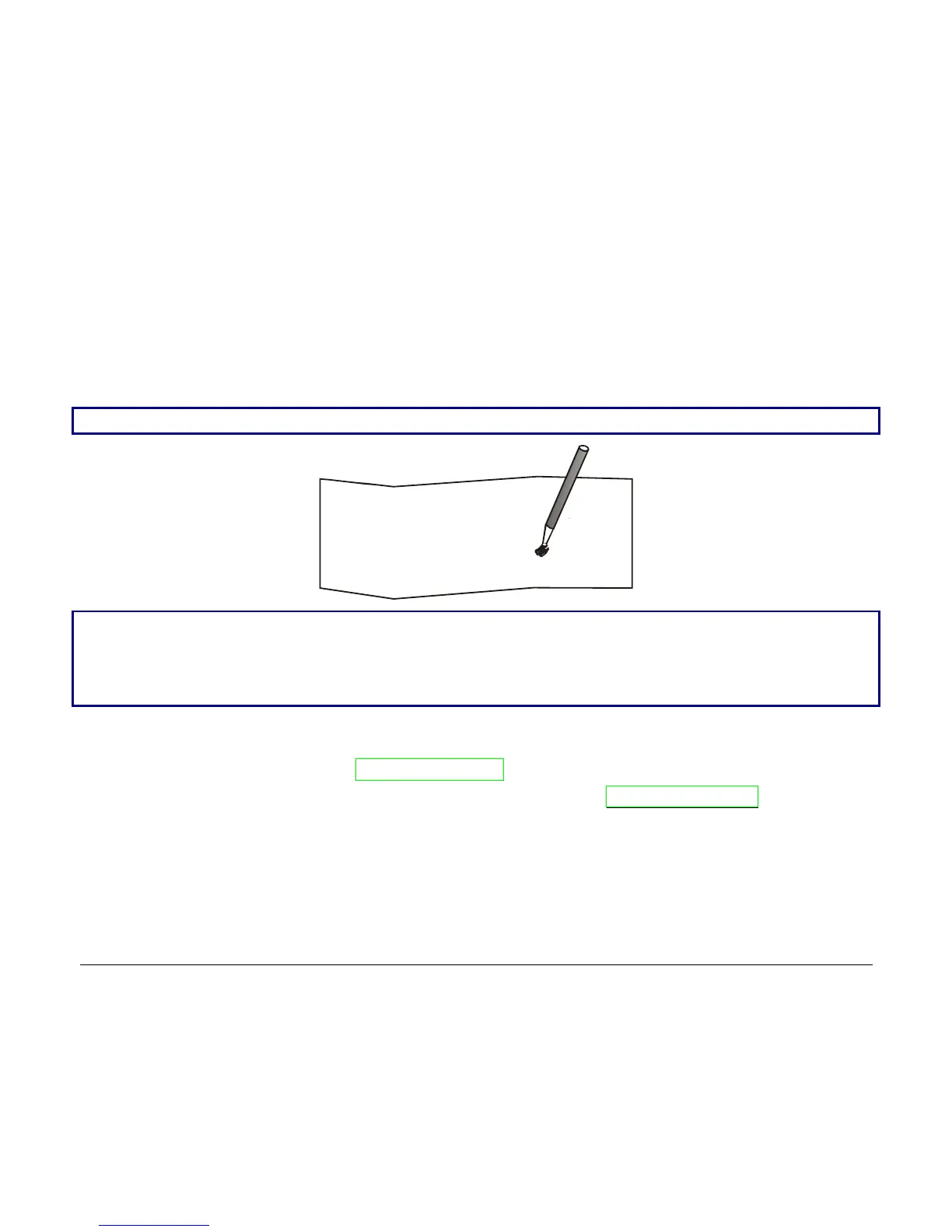
To change the values of the parameters, fill in the marker ( ) beside the value you want to set
with a black or blue ball-point pen or a fiber-pen.
Do not use pencils.
AUTOFEED SIGNAL ( ) ( )
disabled * enabled
SLCT-IN SIGNAL ( ) ( )
disabled * enabled
BUFFER CONTROL ( ) ( ) ( )
DTR XON/XOFF* XON/XOFF +
If more than one value is set for a parameter, the printer ignores these parameters and maintains
the currently set value.
Do not fill in the marker beside the title of the preprinted form, otherwise the printer will not be able
to read that page.
For a detailed description of the parameters and values contained in the Configuration and
Program1/Program2 Menus, see “Setup Parameters” later in this manual.
For a detailed description of the Offset Tuning procedure, see “Offset Adjustment” later in this
manual.



 To Next Page