43
T
T
r
r
o
o
u
u
b
b
l
l
e
e
s
s
h
h
o
o
o
o
t
t
i
i
n
n
g
g
P
P
a
a
p
p
e
e
r
r
P
P
r
r
o
o
b
b
l
l
e
e
m
m
s
s
The straight paper path of this printer is designed for trouble-free handling of a great variety of
documents.
P
P
a
a
p
p
e
e
r
r
J
J
a
a
m
m
In case a paper jam condition occurs, proceed as follows:
1. Open the printer cover.
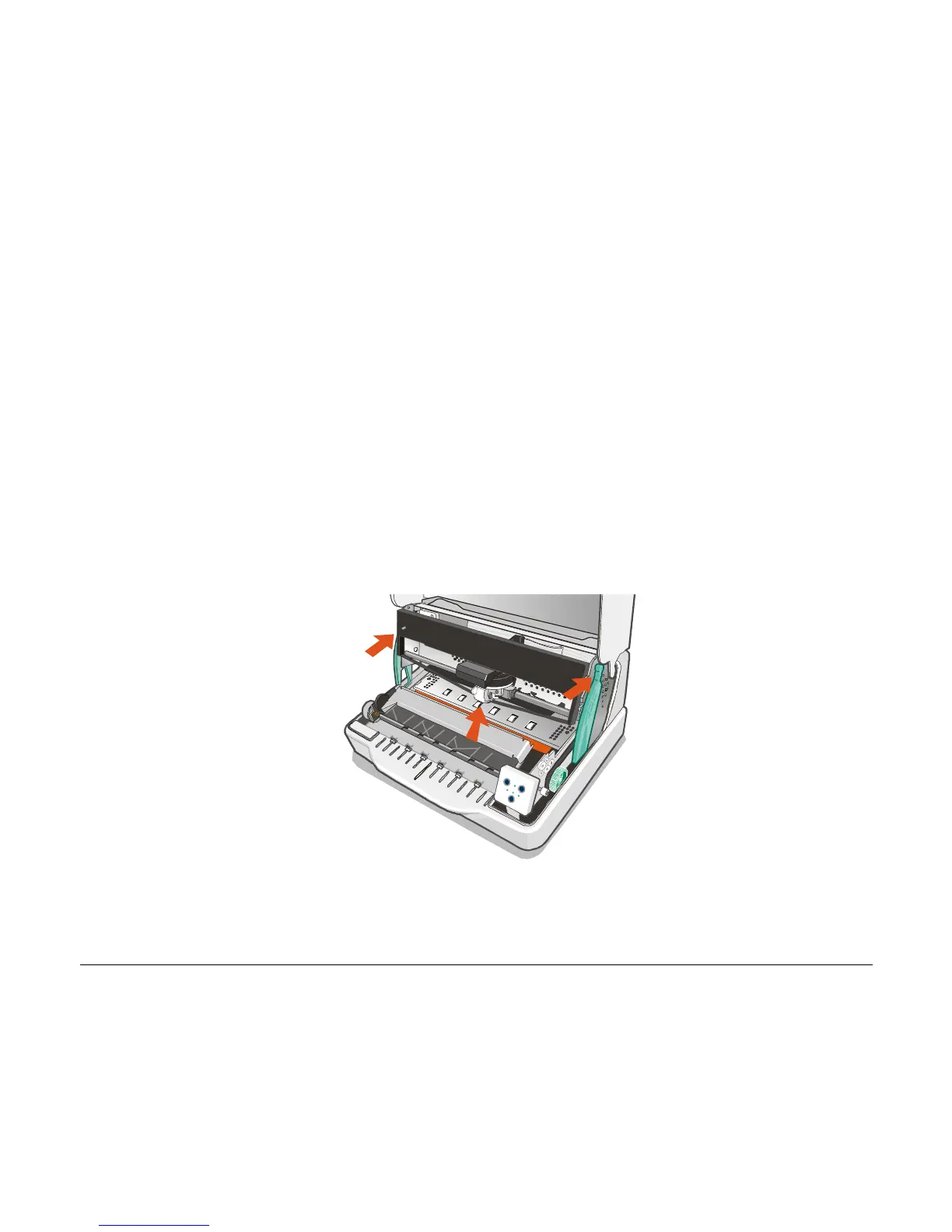
2. Open the print-head assembly pushing the green levers towards the rear of the printer. The
print-head assembly moves up.



 To Next Page