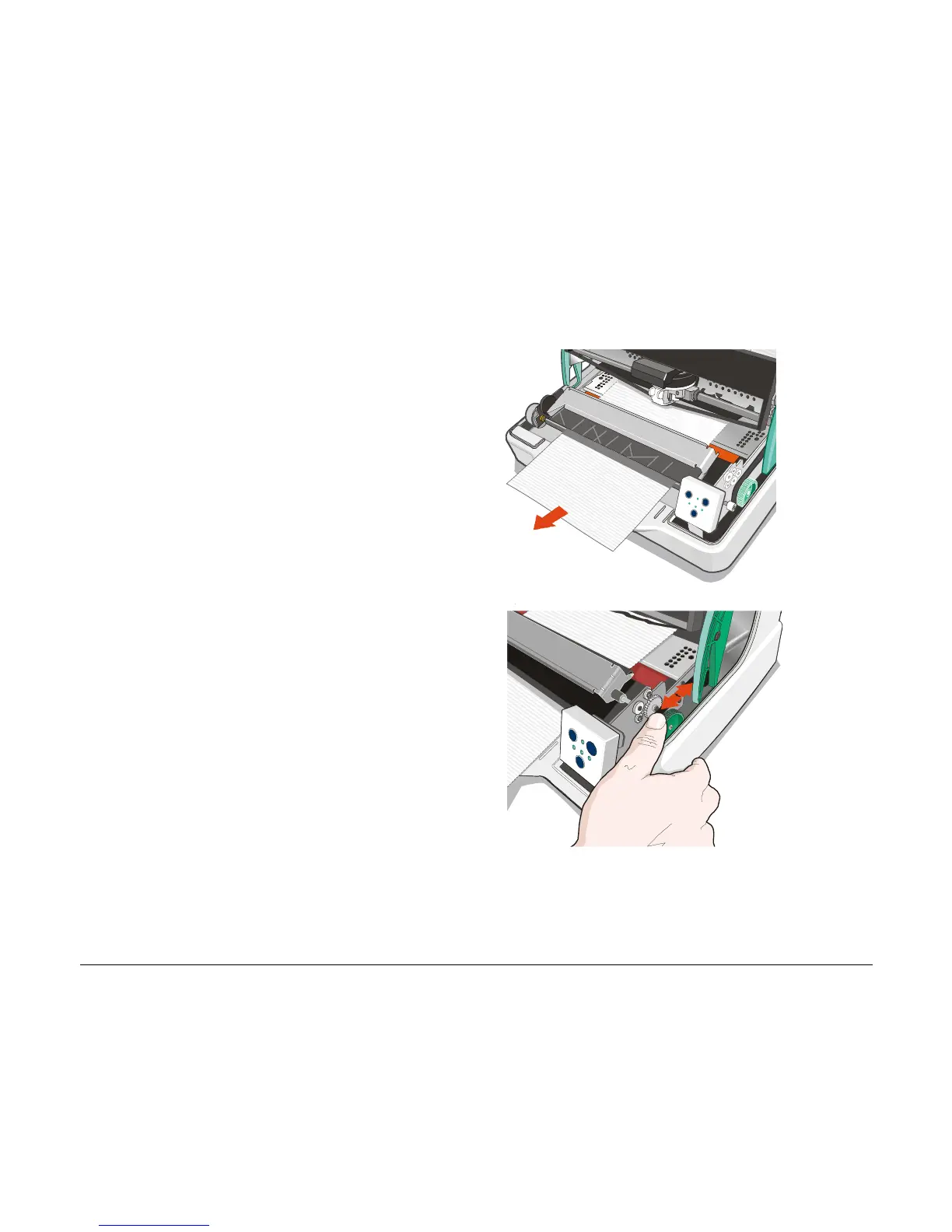
3. Remove the jammed paper, pulling it
towards the front of the printer.
4. In case it is not possible to remove the
jammed paper because you cannot reach it
with your hand or it is embedded so that
you cannot move it, rotate the cog-wheel
beside the paper path lever to free the
paper.
44



 To Next Page