EasyManua.ls Logo

Computime S-210 - User Manual

Computime S-210
16 pages
Print Icon
To Next Page IconTo Next Page
Loading...
Computime S-210
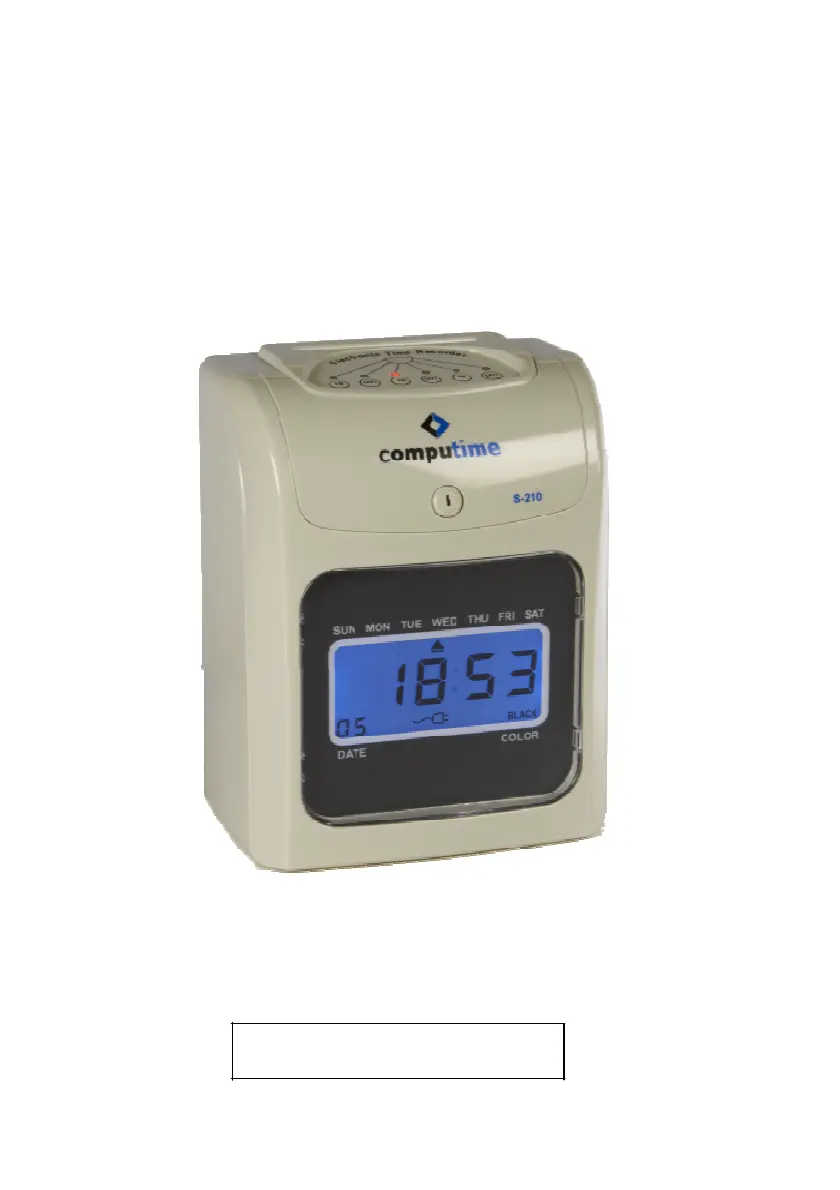
Electronic Time Recorder
Instruction Manual

Questions and Answers

Summary

Introduction

Package Contents

Lists all included items in the time recorder package for verification.

Parts Identification

Identifies the various components and buttons of the electronic time recorder.

Setting Select Key

Explains the function of each key used for setting and operating the time recorder.

Function Options

Quick Codes Selection

Provides a summary of function codes used for quick selection of settings.

Detail Codes Selection

Details specific function codes for granular settings, covering various operational parameters.

Be Ready for Setting

Function Setting

Setting the Year

Guides on how to configure the current year on the time recorder for accurate date tracking.

Setting the Month

Instructions for setting the current month using the designated function code.

Setting the Date

Details the process for setting the current day of the month on the time recorder.

Setting the Hour

Step-by-step guide to set the current hour, considering AM/PM or 24-hour format.

Setting the Minute

Instructions for accurately setting the current minute of the time recorder.

Setting the Regular Time Signal

Configures the duration and timing of audible or visual signals for regular work periods.

Setting the Date Change Time

Specifies the exact time when the date automatically advances to the next day.

Setting the Shifting Time

Allows setting different times for shifting work columns or printing formats throughout the day.

Setting the 2-Color Printing

Configures the time intervals for printing records in different colors, typically for IN/OUT tracking.

Setting the Extension Time Signal

Sets up additional time signals for overtime or special work periods.

Adjusting Printing Position

Adjusts the vertical position of printed time entries on the time card.

Detecting Front;Back of Cards

Enables or disables the feature that checks the card's orientation for correct insertion.

Setting the Monthly, Weekly Pay Period Ending Day

Defines the last day of the pay period for monthly or weekly calculations.

Setting the S;W Solstice Start (Month and Day)

Configures the start month and day for daylight saving time or solstice adjustments.

Setting the S;W Solstice Start (Hour and Minute)

Sets the specific start hour and minute for daylight saving time or solstice changes.

Setting the S;W Solstice End (Month and Day)

Configures the end month and day for daylight saving time or solstice adjustments.

Setting the S;W Solstice End (Hour and Minute)

Sets the specific end hour and minute for daylight saving time or solstice changes.

All Reset

Trouble Shooting

Replacing Ribbon Cartridge

Cautions

Specifications

Error Code

Computime S-210 Specifications

General IconGeneral
BrandComputime
ModelS-210
CategoryClock
LanguageEnglish

Related product manuals