00
Month pay time card
01
Weekly pay time card
4.13a Setting the Monthly pay period end day
When the
card type is set to 00,the first row on the 1~15 row card surface is
automatically as blank row. theset value is from 00 to 31
4.13b Setting the Weekly pay period end day
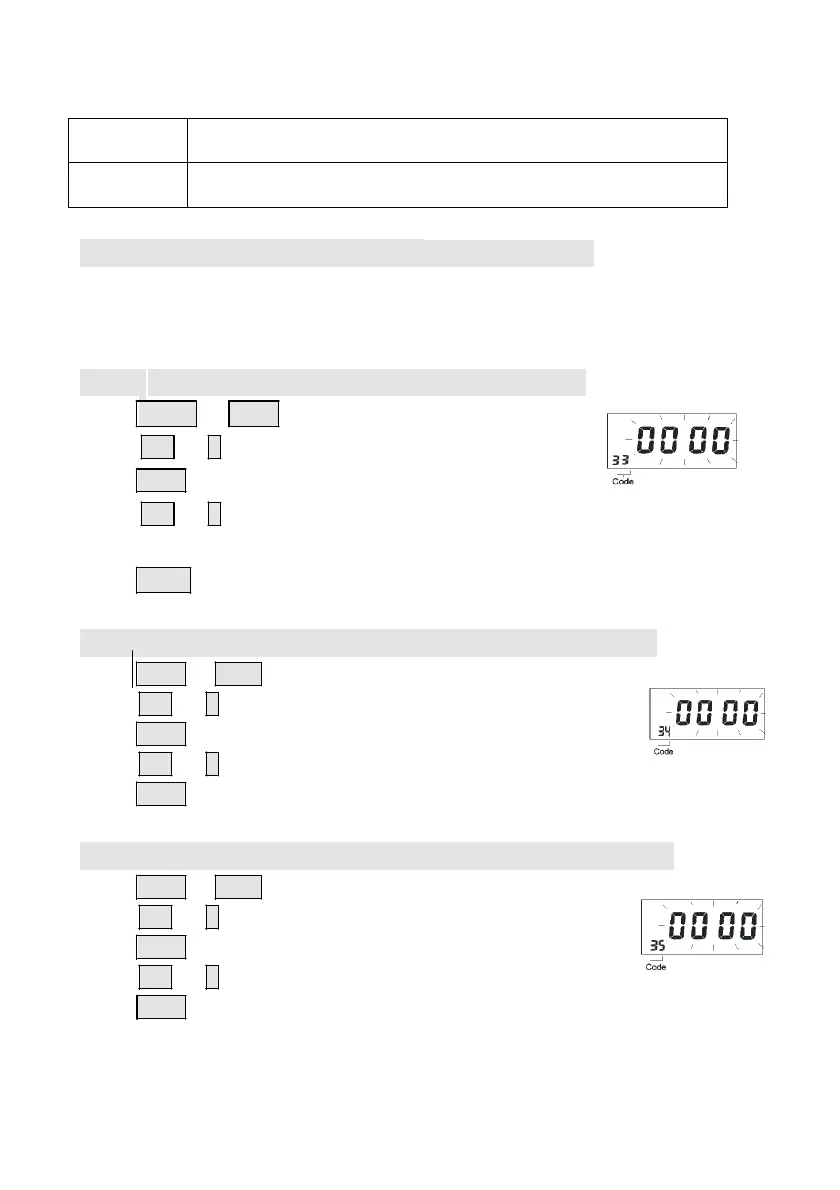
Press Enter or Back to enter the program code 33
Press + or – button to set the card type to 01
Press Enter again to register the setting value
Press + or – button to set the Weekly pay period end day,
The set value is from 0 to 6,means Sunday to Saturday
Press
Enter again to register the setting value.
4.14 Setting the S/W solstice start (month and day)
Press Enter or Back to enter the program code 34,
press + or – button to set the start month.
Press Enter again to register the setting value.
press + or – button to set the start date.
Press Enter again to register the setting value.
4.15 Setting the S/W solstice start (hour and minute)
Press Enter or Back to enter the program code35,
press + or – button to set the start hour.
Press Enter again to register the setting value.
press + or – button to set the start minute.
Press Enter again to register the setting value.
- 12
-



 To Next Page