rea
f
sett
36
Setting the S/W solstice end(month and day)
37
Setting the S/W solstice end(hour and minute)
3.
1. Power Supply
(1) Stable power source are highly recommended.
(2) Please check the correct voltage & power cord before uses.
2.
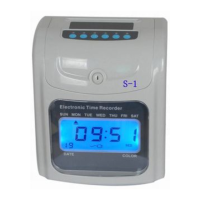
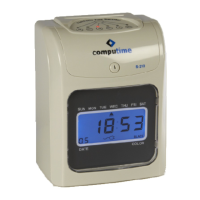
Top
Cover
Remove the top cover prior to set program or change the ribbon case
Open the Top Cover by using the key provided and remove the top cover.
4. Function Setting
After removing the lid from the time recorder,
turn the program switch to right side to enter setting condition. Press “Enter” to
select the codes forward or press “Back” to select backward for functions
setting expected and, press “+” to increase the value or press “-” to decrease
the value and, press “Enter” to save the set value and start the next setting.
4
Sett
t
Year
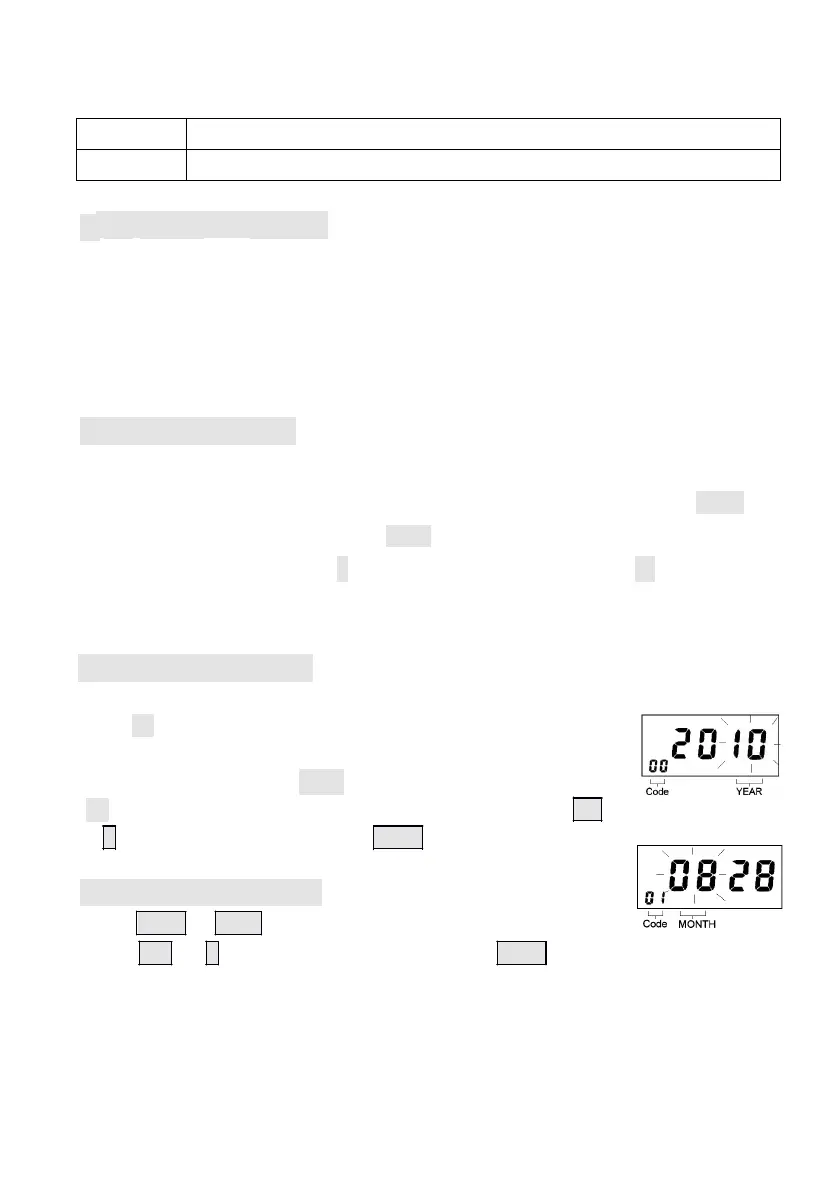
Turn the program switch to right side, the Codes will begin
from “00”
(00 display on the left corner indicates the program Code),
The digital display reads 2006 indicates year 2006,The year
“06” flashes on the right of the digital display, press the +
or – button to set the year. Press Enter to register the setting.
4.2 Setting the Month
Press Enter or Back to enter the program Code 01,
press + or – button to set the month. Press Enter again to
register the setting value.
- 8
-


 To Next Page