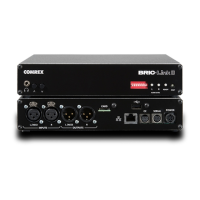
Once your Switchboard peers are congured, connecng to one is simple:
1. Select the desired Switchboard peer.
2. Make sure the “gear” icon is green.
3. Click “Connect” in the upper right corner.
Switchboard connecons can be ended on either end of the link, by choosing the acve connecon in the list and clicking
“Disconnect”.
Incoming connecons will appear as new entries in the Switchboard peer list while they are acve. They can be
disconnected the same way.
48


 To Next Page