
 Need help?
Do you have a question about the Comtrend Corporation AR-5310u and is the answer not in the manual?
Details on physically connecting the router and its components.
Explains the LEDs and buttons on the front panel of the device.
Step-by-step guide on how to access the device's web interface.
Provides data traffic statistics for various interfaces like LAN, WAN, XTM, and XDSL.
Manages ATM, PTM, and ETH WAN interface connections.
Allows configuration of WAN interfaces, including connection types and protocols.
Configures Network Address Translation settings for the router.
Enables automatic detection of WAN service type (ETHWAN or xDSL).
Configures firewall rules, including IP filtering and MAC filtering.
Configures advanced wireless settings, including basic, security, and bridge modes.
 General
| Wireless Standard | 802.11b/g/n |
|---|---|
| Frequency Bands | 2.4 GHz |
| Ethernet Ports | 4 |
| Security | WEP, WPA, WPA2 |
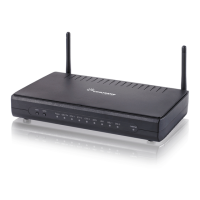
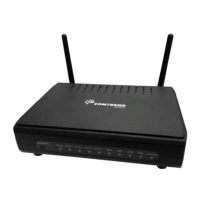
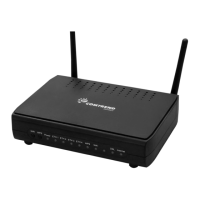
| Antenna | 2 x External |
| Power Supply | 12V DC, 1A |
| Type | Wireless |
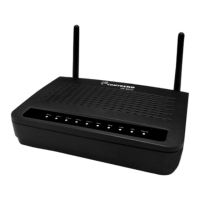
| Device Type | Wireless Router |
| Ports | 4 x 10/100 Mbps |
| Standards | IEEE 802.11b/g/n, IEEE 802.3, IEEE 802.3u |
| Modulation | OFDM |




 To Next Page