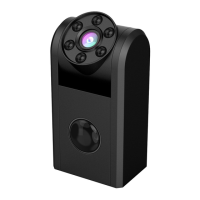
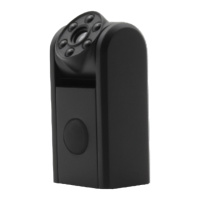
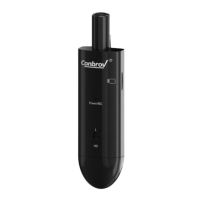
Before Using Your Conbrov T33 Camera
11
H. Setting Overwrite: Click drop-down box on the right
side of Overwrite, choose On(loop recording on micro SD)
or Off(no loop recording) according to your need, then
click SAVE.
I . Setting Audio: Click drop-down box on the right side
of Audio, choose On(turn on audio) or Off(turn off audio)
according to your need, then click SAVE.



 To Next Page