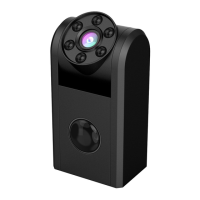
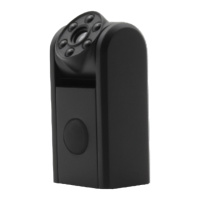
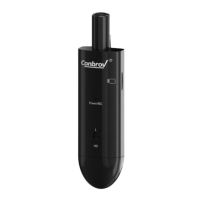
How to Use Your Conbrov T33 Camera
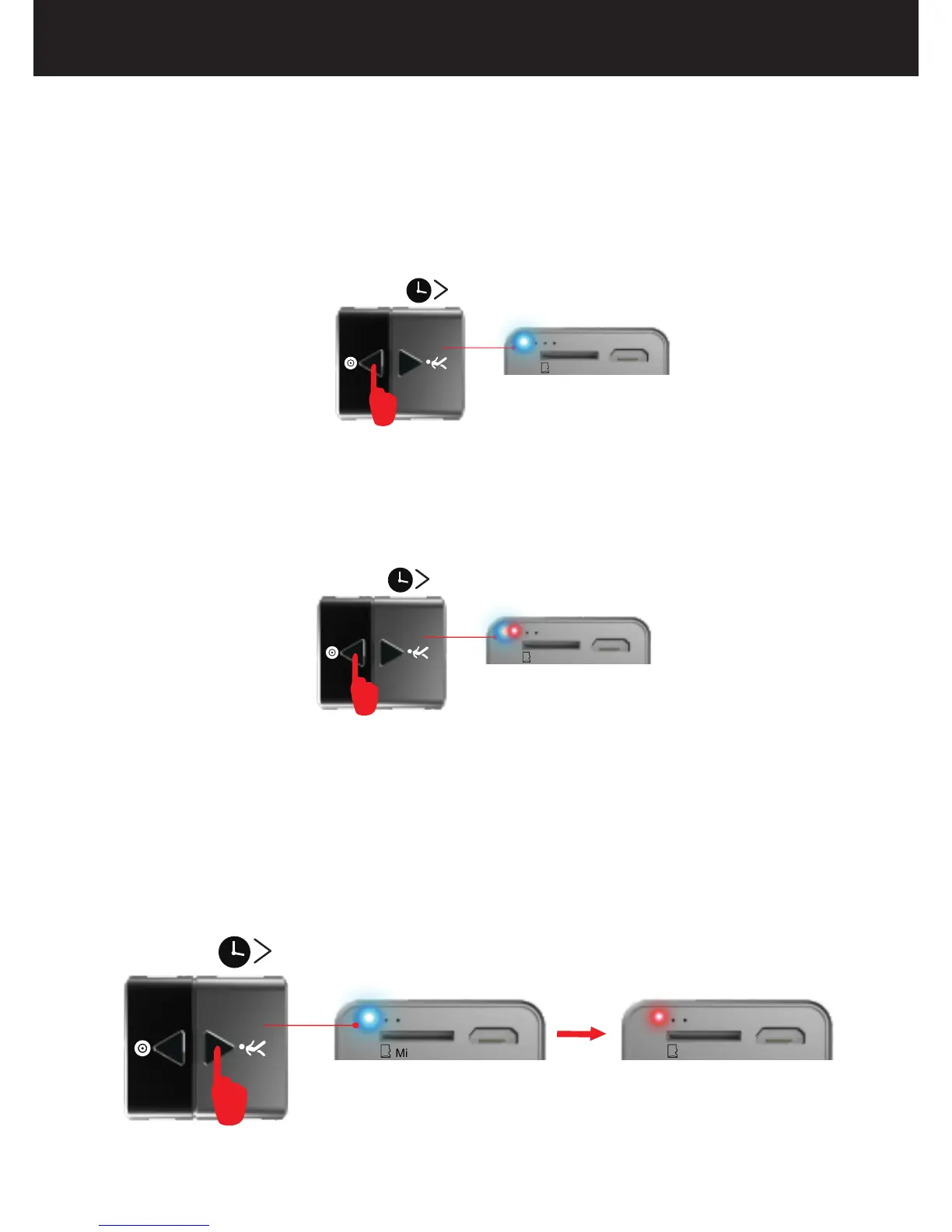
2.How to Turn On/Off Motion Detection Recording
(1) Press and hold the button for 2 seconds, the blue LED
will flash once and go off and the red light flashes 3 times
and then stays on , the camera turns on and enters into
the motion detection mode.
Micro-SD USB Micro-SD USB
2S
1.How to Turn On the Camera/Record a Video
(2) Press and hold the button for 2 seconds while
recording, the LED flashes red and blue alternately and
then goes off, and the device will save the video in the
microSD card and then turns off.
Micro-SD USB
2S
Micro-SD USB
2S
(1) Press and hold the button for 2 seconds to turn on the
camera. The LED flashes blue 3 times and then goes off,
the camera enters into recording mode.
12



 To Next Page