3
concept2.com
0315
IMPORTANT NOTE:
For complete warranty details, additional information
about Concept2 or to register to receive important
product updates, visit:
concept2.com/registration
TABLE OF CONTENTS
USE & TRAINING
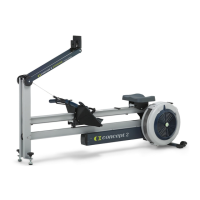
The Dynamic Indoor Rower............................4
Leveling the Dynamic Indoor Rower .....................4
Setting the Flexfoot .................................5
Use of Handle Hook .................................5
Use of the Optional Wind Shield........................5
Important Safety Notes ...............................6
Before Your First Row ................................6
Proper Rowing Technique .............................7
Getting Started .....................................8
Workout Intensity ...................................8
Damper Settings on the Flywheel .......................8
USING THE PERFORMANCE MONITOR (PM) ...............9
MAINTENANCE .....................................11
WARRANTY ........................................13
Serial Number Location
The label is located on the inner
left side of the front leg/monitor
arm assembly (the leg that
attaches to the monitor arm).
RECORD YOUR SERIAL NUMBER HERE


 To Next Page