52 - ConceptD Palette
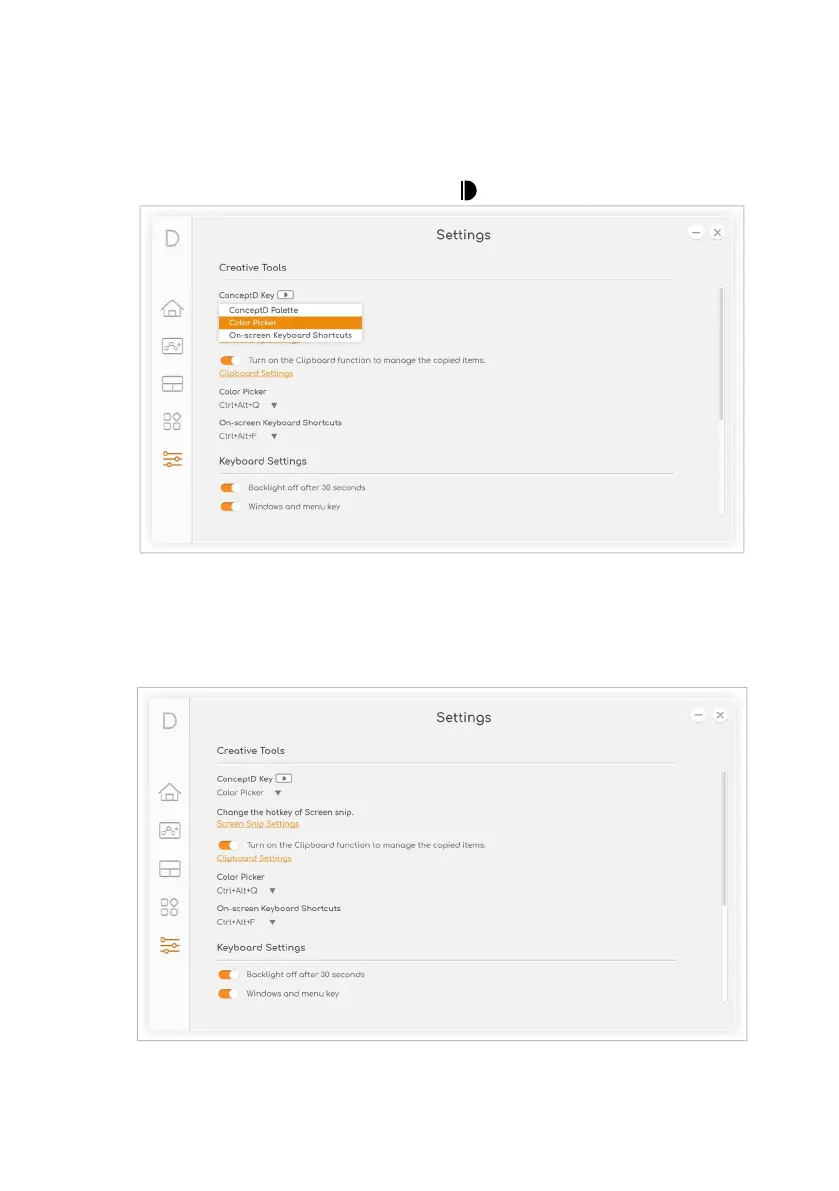
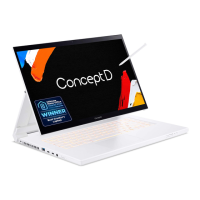
Adjust ConceptD Key
Press the ConceptD key to open the specific application more quickly.
To change the ConceptD key setting, select the application from the
drop down list under ConceptD Key .
Manage the copied items in Clipboard
Before you start to view the clipboard history, enable the option Turn
on the Clipboard function to manage the copied items.
Press Windows key + V to view the clipboard history. You can find all
items, text, or images you copied and click the item you want to paste.


 To Next Page