RotaRy laseR
9
user manual
EN
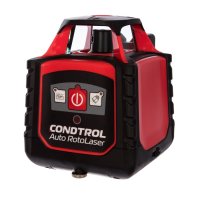
CONDTROL Auto RotoLaser
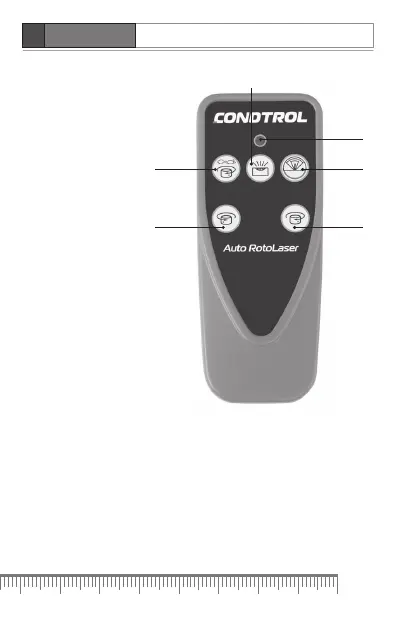
Remote control
3
6
2
4
5
1
1. Remote control signal indicator
2. Scan mode/scan sector
3. Move laser dot/scan sector clockwise
4. Move laser dot / scan sector counterclockwise
5. Change rotation speed/stop rotation
6. Manual mode
Use remote control to manage the product at distance up to 20 m.
When sending signals to the product indicator on remote control
flashes red.


 To Next Page