2
CTUPO02_IG_en-GB_v1
PRIOR TO INSTALLATION
Read the manual prior to installation. Technical knowledge is necessary for installation. The place of installation
must be free of moisture and away from heat sources. Please ensure that the correct tools are used during the
installation to avoid damage to the vehicle or product. Connects2 can not be held responsible for the installation
of this product.
Note: The aftermarket stereo being installed must have female RCA connectors in order for this product to
function correctly
IN ISO CONNECTOR
Purple Right Rear Speaker +
Purple/Black Right Rear Speaker -
Green Left Rear Speaker +
Green/Black Left Rear Speaker -
Grey Right Front Speaker +
Grey/Black Right Front Speaker -
White Left Front Speaker +
White/Black Left Front Speaker -
ADDITIONAL CONNECTIONS
Pink Speed Pulse
Green Park Brake
Purple/White Reverse Gear
Blue/White Amp Remote
Grey Mute
WIRING KEY
Yellow Permanent 12V
Black Ground
Red Ignition 12V
Orange Illumination
Red/White RCA (AUX) AUX Input Retention
Red/White RCA (Speaker) Amplier/Audio Retention
Yellow RCA Reversing Camera Retention
INTERFACE CONNECTIONS
DIP Switch 1 - ‘ON’ for Pioneer, ‘OFF’ for other brand head unitsDIP Switch 1 - ‘ON’ for Pioneer, ‘OFF’ for other brand head units
DIP Switch 2 - ‘ON’ for PAL reversing camera, ‘OFF’ for NTSC reversing camera (Default is ‘OFF’/NTSC)DIP Switch 2 - ‘ON’ for PAL reversing camera, ‘OFF’ for NTSC reversing camera (Default is ‘OFF’/NTSC)
DIP Switch 3 - Change from ‘OFF’ to ‘ON’ and back to reset screen settings to factory defaults. DIP Switch 3 - Change from ‘OFF’ to ‘ON’ and back to reset screen settings to factory defaults.
Note: During this procedure, the screen background will change to red and no settings adjustments can be made.Note: During this procedure, the screen background will change to red and no settings adjustments can be made.
DIP Switch 4 - Not UsedDIP Switch 4 - Not Used
1
2
3
4 5
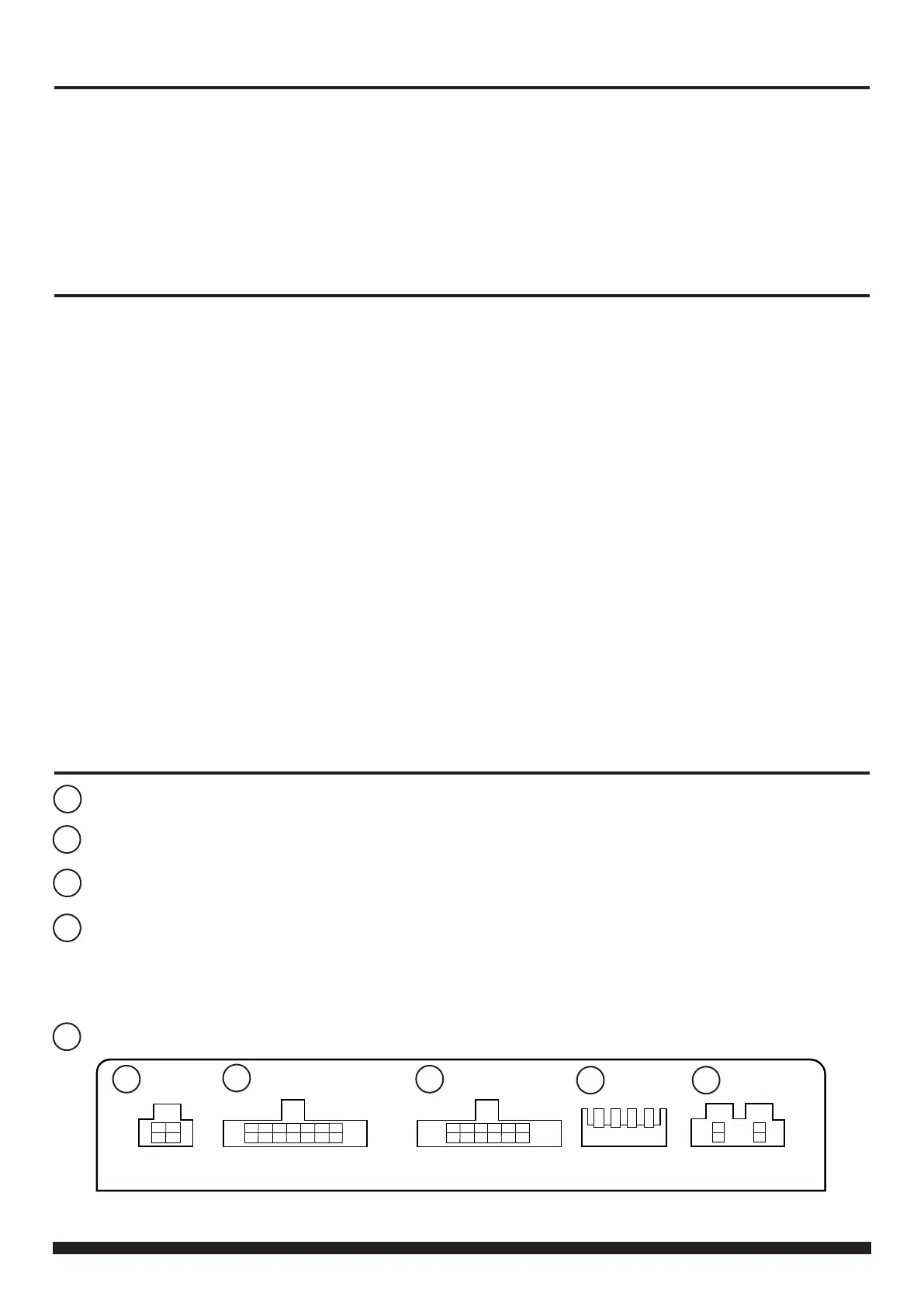
1
4
2
3
5
Reverse Camera Extension Harness InputReverse Camera Extension Harness Input
Power Harness InputPower Harness Input
Head Unit Connection (Patch) Lead InputHead Unit Connection (Patch) Lead Input
Not usedNot used


 To Next Page
 Loading...