7
Need help? Visit support.connects2.com/tickets/technical
CTUPO02_IG_en-GB_v1
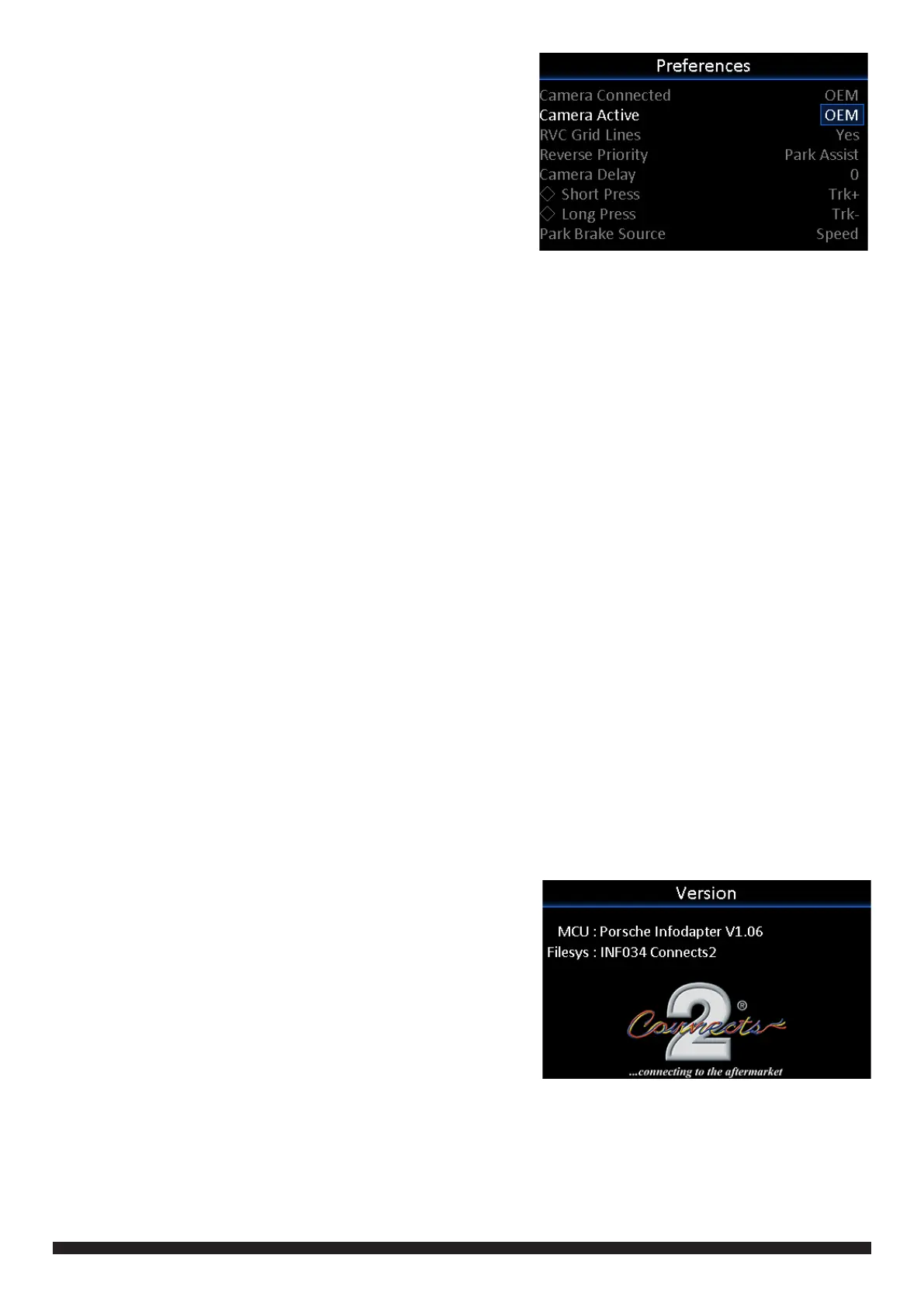
PREFERENCES
-> Camera Connected (None/Generic/OEM)
Choose the style of camera connected to the vehicle
(if applicable)
-> *Camera Active (OEM/Reverse)
Choose whether the camera image appears on the display
at times triggered by the Porsche system, or only when
reverse gear is active
-> *RVC Grid Lines (Yes/No)
Rear view camera guidelines on/off
-> **Reverse Priority (Park Assist/Camera)
Choose whether the display shows the parking graphics or reversing camera image on screen. Note - this
can also be changed instantly via the steering wheel controls for faster switching. See Page 5 for more
information.
-> **Camera Delay (0 -> 20)
Increase camera delay to prevent ‘rolling’ effect on screen when switching between video inputs
-> Diamond Short Press (None/SRC/TRK+/TRK-/DSK+/DSK-)
Select short press function for the Diamond button on the steering wheel controls
-> Diamond Long Press (None/SRC/TRK+/TRK-/DSK+/DSK-)
Select long press function for the Diamond button on the steering wheel controls
-> Park Brake Source (PRNDM/Speed/Brake/Always On)
Set Park Brake output to activate when park brake is on (Brake), when speed is less than 3km/h (Speed),
when gear shifter is set to ‘Park’ (PRNDM) or to remain on at all times (Always On)
-> Restore Factory Settings (Yes/No)
Select Yes to return all Infodapter settings to factory defaults
LANGUAGE
-> Select language (English/French/German/etc)
VERSION
-> View software version screen
*Only available when using OEM reversing camera
** Only available when using OEM or Generic
reversing camera


 To Next Page
 Loading...