58
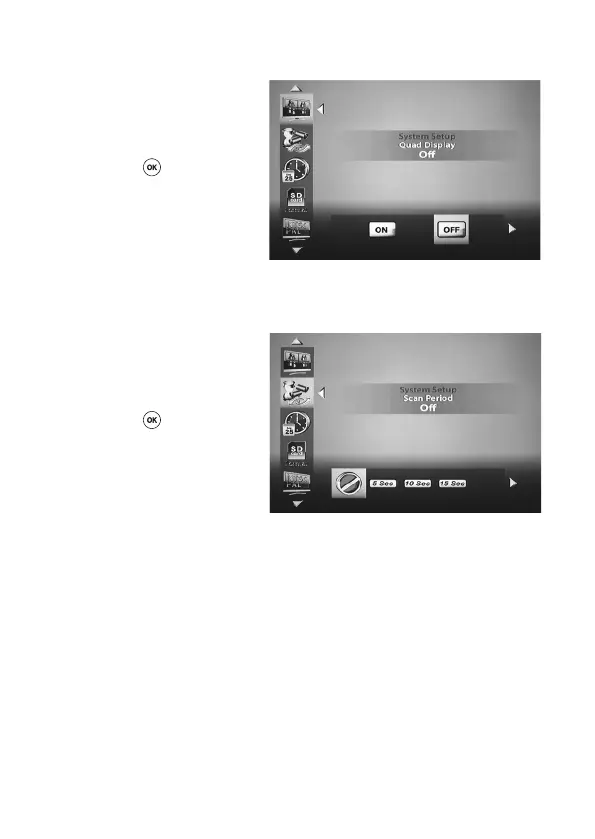
‘Quad Display’
Using the ‘left’ and/or ‘right’ keys t
u (D, J) on the remote control, select
whether a simultaneous display of all
four receive channels is to be activated
(ON) or deactivated (OFF) and then
press the ‘OK’ (E)keytoconrm.
‘Scan Period’
You can use this menu to set the interval at which the individual receive channels are displayed.
Using the ‘left’ and/or ‘right’ keys t u
(D, J) on the remote control, select the
intervals (OFF, 5 sec, 10 sec, 15 sec)
at which a sequential switchover of the
receive channels is to occur and then
press the ‘OK’ (E)keytoconrm.
If the ‘OFF’ option is selected, sequen-
tial switchover is deactivated.
Sequential switchover is automatically
deactivated as soon as a receive chan-
nel is manually selected.



 To Next Page