59
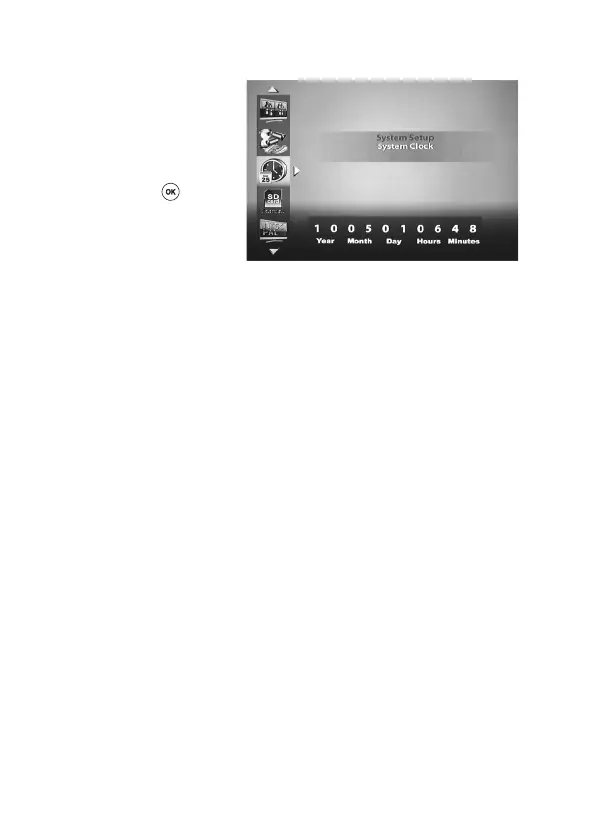
‘System Clock’
Using the ‘left’ and/or ‘right’ t u (D, J)
keys on the remote control, select the
value (Year, Month, Day, Hours, Min-
utes) to be changed and then set the
desired value using the ‘up’ and ‘down’
p q (I, K) keys.
Then press the ‘OK’ (E) key to
conrm.



 To Next Page