53
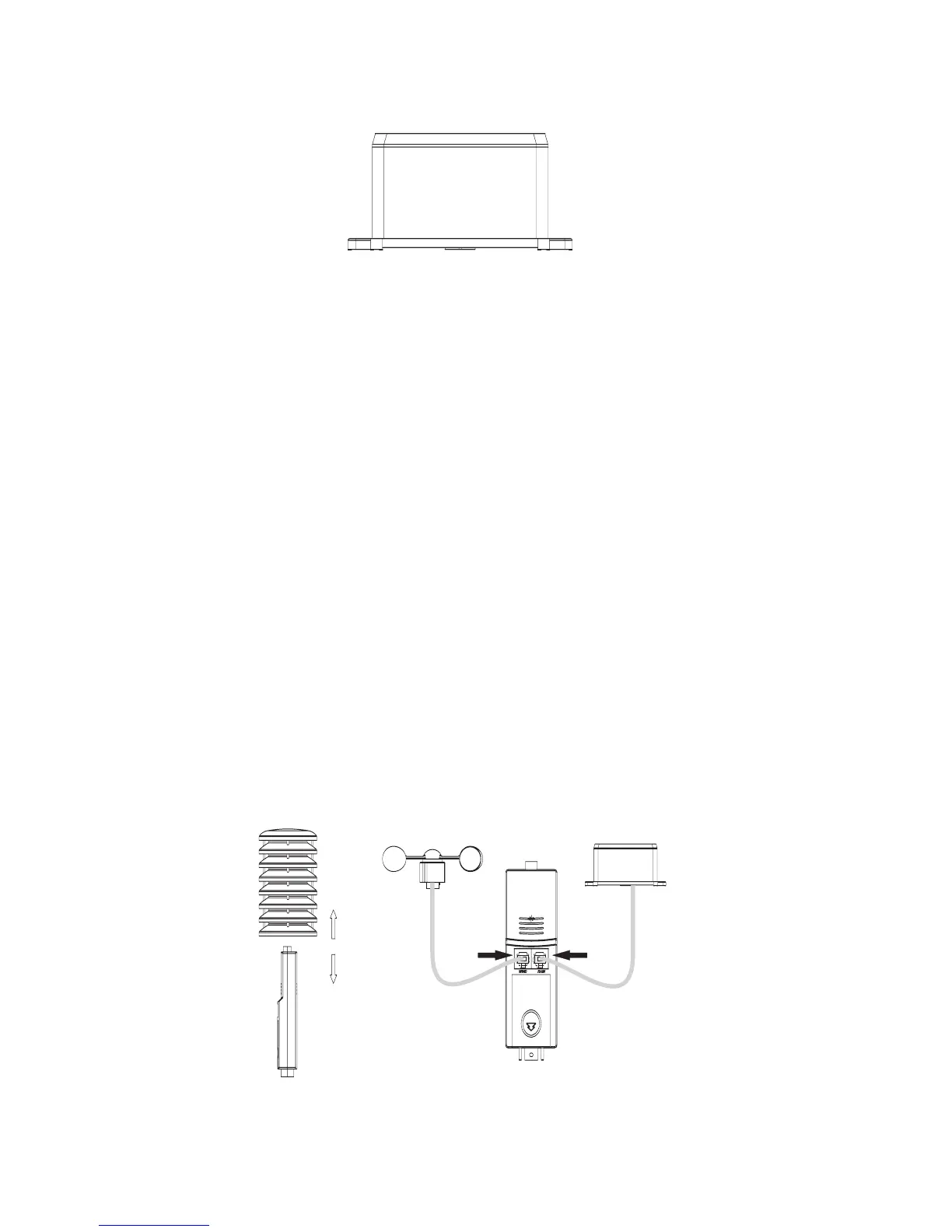
Rain sensor
10. Initial operation
This chapter describes how to commission the base station and the outdoor sen-
sors.
☞
Please observe the stated sequence! Otherwise there may be prob-
lems synchronising the base station and the temperature/air
humidity sensor.
If you would like to test the product during the initial operation, e.g. in a room, then
you should not put the individual devices (base station, outdoor sensor) directly next
to each other. Otherwise, there might be reception problems due to radio interfer-
ence. Maintain a distance of at least 50 cm between the individual devices.
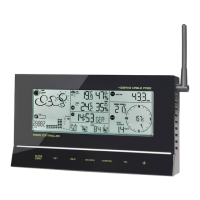
1. Pull the rain cover off the temperature/air humidity sensor.
2. Plug the connection cable of the wind sensor into the socket labelled „WIND“ on
the temperature/air humidity sensor.
3. Plug the connection cable of the rain sensor into the socket labelled „RAIN“ on the
temperature/air humidity sensor.
☞
The connection plugs must snap into place with an audible click.


 To Next Page