C931 • C932 • C933 45 / 47
Perform the following steps:
14. type of connected electrode:
Technical assistance form - Oxygen
If you need assistance with a technical problem, make sure to fill the complete
checklist (all 20 points!) and fax a copy to Consort: +32/14/429179.
1. purchase date:
5. organisation:
7. division:
6. name:
8. address:
9. postal code: 10. city:
11. telephone:
12. telefax:
13. e-mail:
2. indicate model:
4. serial no:
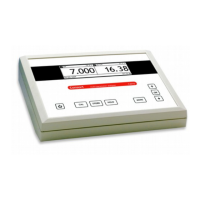
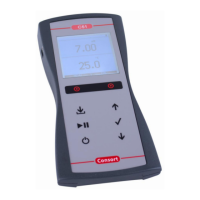
C931 - C932 - C933
2. purchased from:
16. reset the meter (switch on while holding MODE pressed). yes?
15. Carefully screw off the measuring head of the oxygen electrode. Cautiously remove the
precipitated deposits with the aid of filter paper. Do not use grinding paper or a glass
fibre! Rinse several times with distilled water and shake carefully off the water drops.
Take the measuring head, fill it with new electrolyte solution and very slowly screw it onto
the electrode while holding it vertically. Let the electrode rest for a few hours! yes?
18. select the °C mode, measure air temperature and read the display. °C:
20. rinse the O
2
electrode, hold in the air and read display. mg/l:
19. select the O
2
mode (do not calibrate!). yes?
17. short-circuit the O
2
input, select the O
2
mode and read display. mg/l:
"



 To Next Page