6
Erase
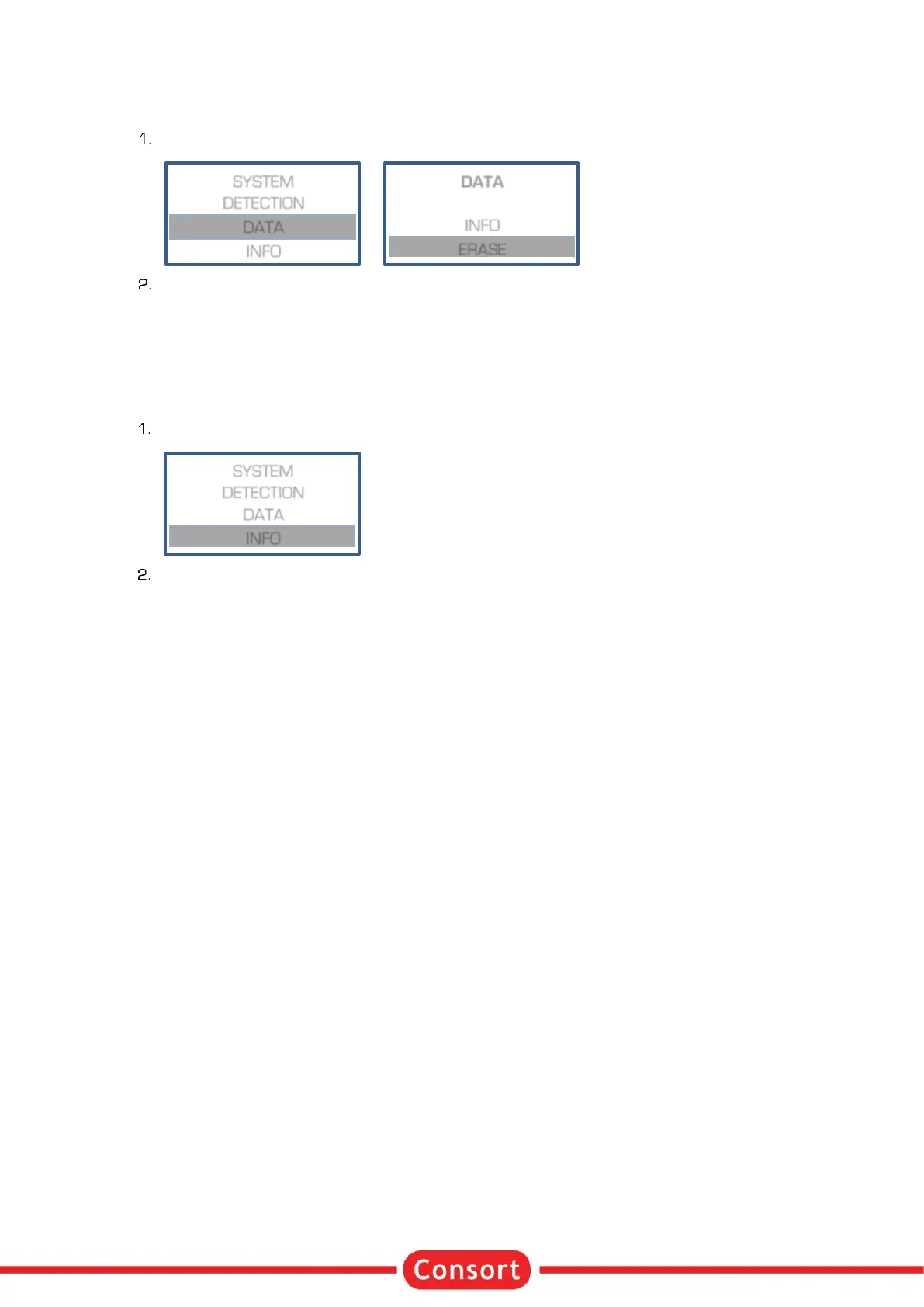
The menu in the instrument allows to erase the data log memory.
When in SETUP, follow these steps when required to erase the data log memory:
A question to erase the data will appear on the display. Choose YES and press SET to confirm that
the data should be erased.
Info
Choose INFO to find specific information about the device, the parameter limits, the firmware version and
more:
When in SETUP, follow these steps when required to erase the data log memory:
The information is shown over several lines. Use the - keys to scroll. Use SET or RUN/STOP to
return to the previous menu.


 To Next Page