7
If more than two people are part of the conversation, we highly
recommend using a large area loop. If a large area loop is not
available, you will need to use an external boundary microphone.
To connect the Portable Loop with a television or other external sound
source, connect using a SCART lead. The Contacta SCART adapter is
required.
1. Insert SCART connection into the appropriate socket on your
sound source.
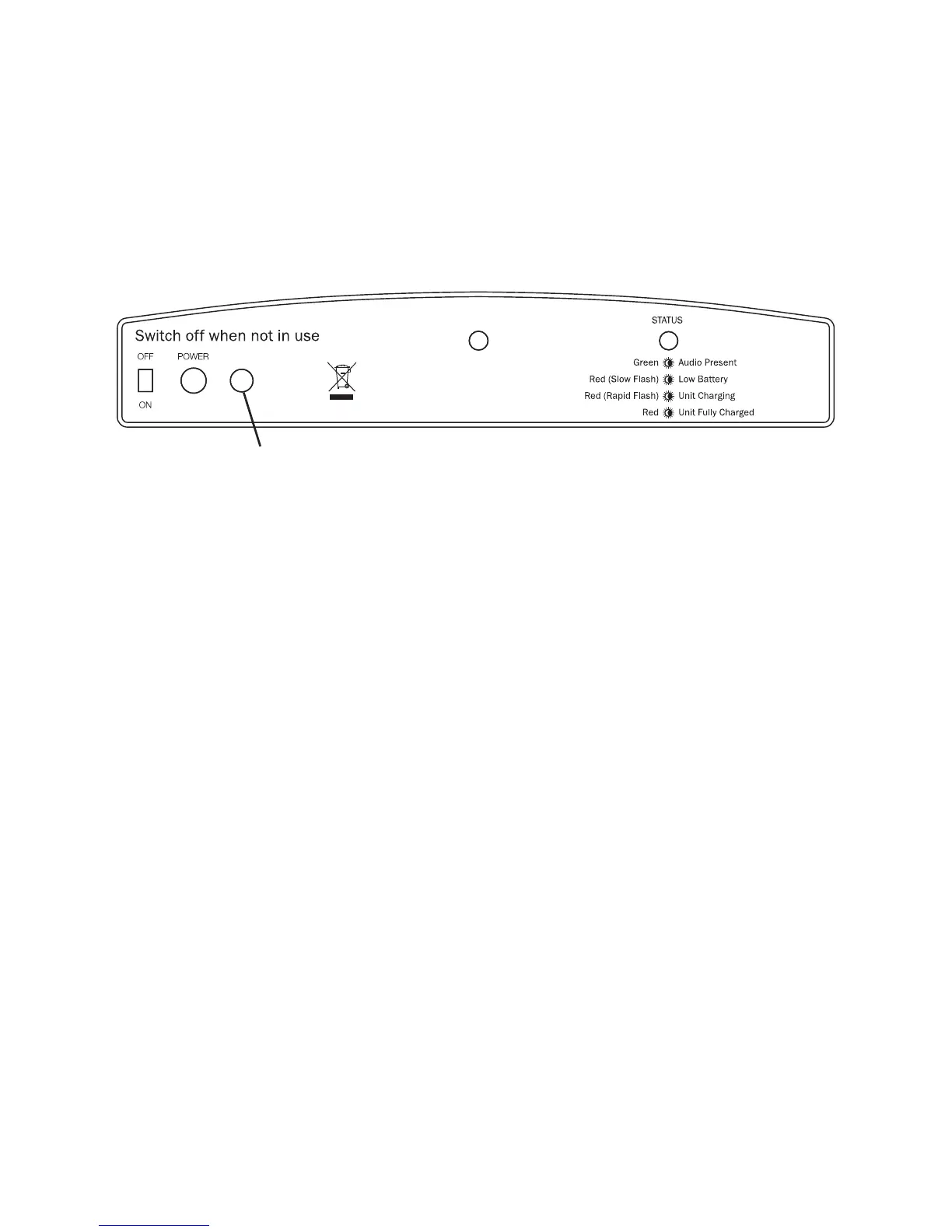
2. Insert the jack plug into the socket marked “EXT” on the rear of the
Portable Loop.
3. Position the Portable Loop so it faces the hearing device wearer.
Please note: the internal microphone is inactive when an external
device is connected.
Additional Connections
External Microphone
SCART Lead
1. Insert the microphone plug into the socket marked “EXT” on the
rear of the Portable Loop.
2. Position the Portable Loop in front of and facing the person
requiring the loop, with the back of the loop positioned towards
the speaker.
3. If using an external boundary microphone, position the
microphone on the desk top towards those speaking.
EXT
MIC


 To Next Page