- 16 -
The Return to Home (RTH) funcon brings the drone back to the Take Off Point.
When the drone is doing the Return to Home feature, it will fly straight back to
the home (take-off) posion according to the current drone altude. Please make
sure there is no objects (buildings or trees) in the area. It will then locate the home
(take-off) posion and then descend to the starng point.
Return-to-Home (RTH)
Return-to-home Feature Descripon
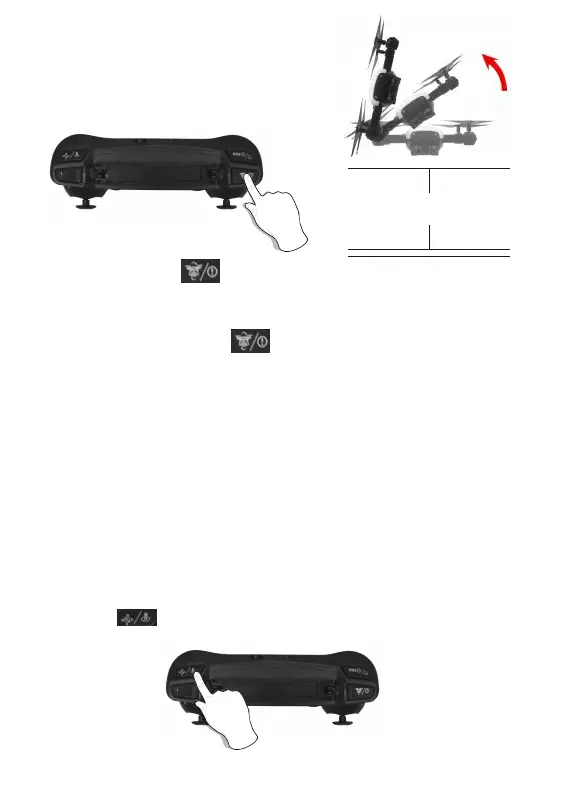
Long press “ ” buon for One-key Return To Home.
Warning: When using the emergency stop feature during flying operaon, it may
cause damage if the drone crashes or can injure people underneath the drone.
Emergency Stop: Long press ” ” buon and the drone will immediately shut
off and stop flying. An air-born unit will drop from the sky.
3D Roll: Short press “ ” buon and push the direcon joysck le or right.
The drone will roll in the air in the corresponding direcon
3D Roll/Emergency Stop
About 5 feet



 To Next Page