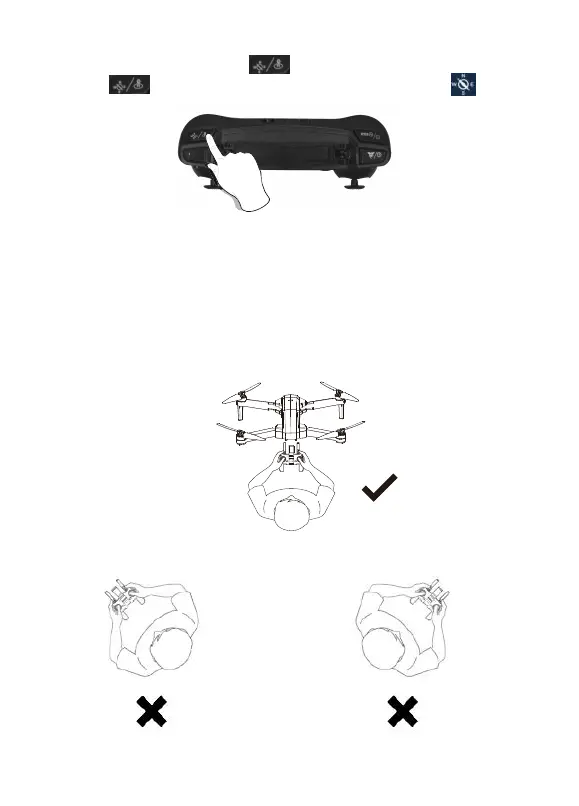
Headless Mode
Don’t change your direcon. Don’t change your direcon.
The direcon of control when the drone is paired.
1. The drone defaults to Normal Mode when the drone and remote control are
matched successfully. Click “ ” buon to enter into Headless mode.
Click “ ” buon again to exit Headless mode. Or click “ ” on the app
when the drone is under APP control.
2. Normal Mode: Before takeoff, the white lights on the drone indicate the
forward-facing direcon.
3. Headless Mode: Before takeoff, the white lights on the drone indicate
the forward-facing direcon. When the drone rotates in flight, the flight
direcon is not changed.
- 17 -



 To Next Page