- 22 -
Gallery
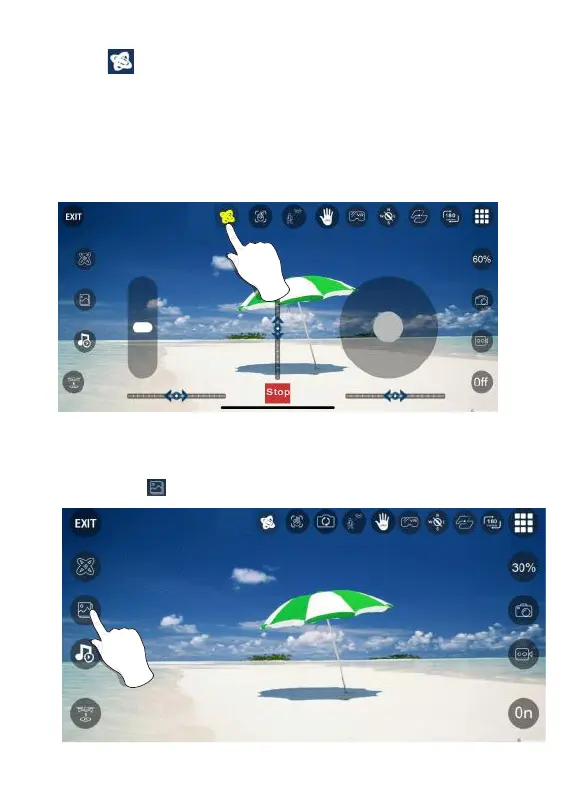
Open the App, click (gallery) to access your picture and video files
Figure 1. Click “ ” buon.
Gravity Control Mode
Click “ ” to enter gravity control mode. (This mode can only be used in
APP controlled mode.) You can control the flying direcon of the drone
according to the lt angle of the phone.
Tilt the phone forward, the drone flies forward.
Tilt the phone backwards, the drone flies backwards.
Tilt the phone to the le and the drone flies to the le.
Tilt the phone to the right and the drone flies to the right.



 To Next Page