- 23 -
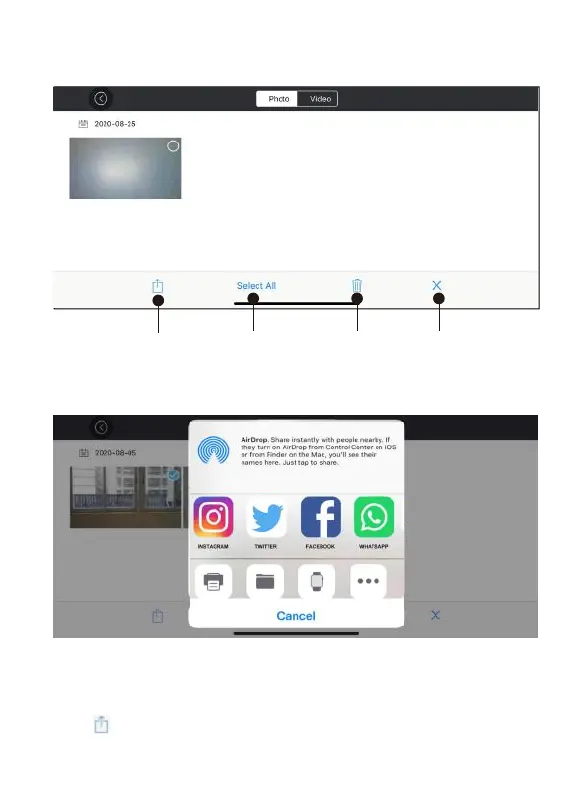
Figure 2. Long press the content in the gallery and the control buons will appear.
Figure 3. Share
Share Select All Delete Cancel
1. Open the App, click (gallery) to access your picture and video files (Pic 1.)
2. Long press the content in the gallery and the control buons will appear and
choose the photos you want to share.
3. Click “ ” to choose the plaorms to share to (Pic 3).



 To Next Page