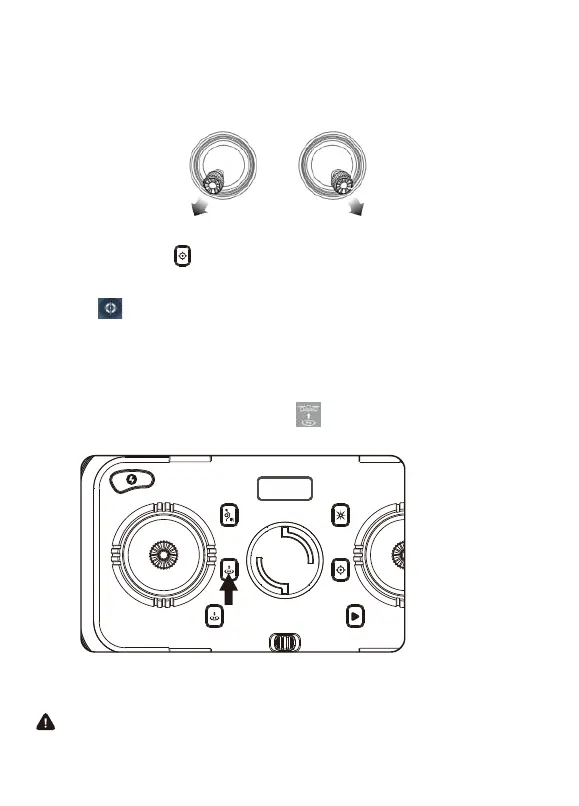
Step 5: Reset to Factory Seng/Calibrate Gyroscope
— Push the joyscks into the 7 o’clock (le joysck) & 5 o’clock (right joysck)
posion or click “ ” on the remote control.
— Lights will rapidly blink and change to a steady light.
- 13 -
Take-off/Landing
Once the lights are all steady, you are ready to fly!
— White (rear) and blue (front) lights are all solid (no blinking).
If you want to turn on the app control mode, you need to turn off the remote
control first.
Or click “ ” on the app when the drone is under APP control.
Take-off
Press the 1-Key Take-off buon or click “ ” on the app when the drone is
under APP control.
Rotang propellers can be dangerous. DO NOT start the motors when
there are people nearby.



 To Next Page