8. CAMERA FUNCTIONS
Take Photo
Take Video
ICON ON APP
Select O on the remote control, or select button on the app,the indicator Él will
flash once, this means that the camera will take one photo.
on the remote control, or select button on the app, the indicator
will
keep flashing, this means the camera is still recording.
Press button again to save the video.
DO NOT take photos while recording.
SD CARD (Sold Separately)
o
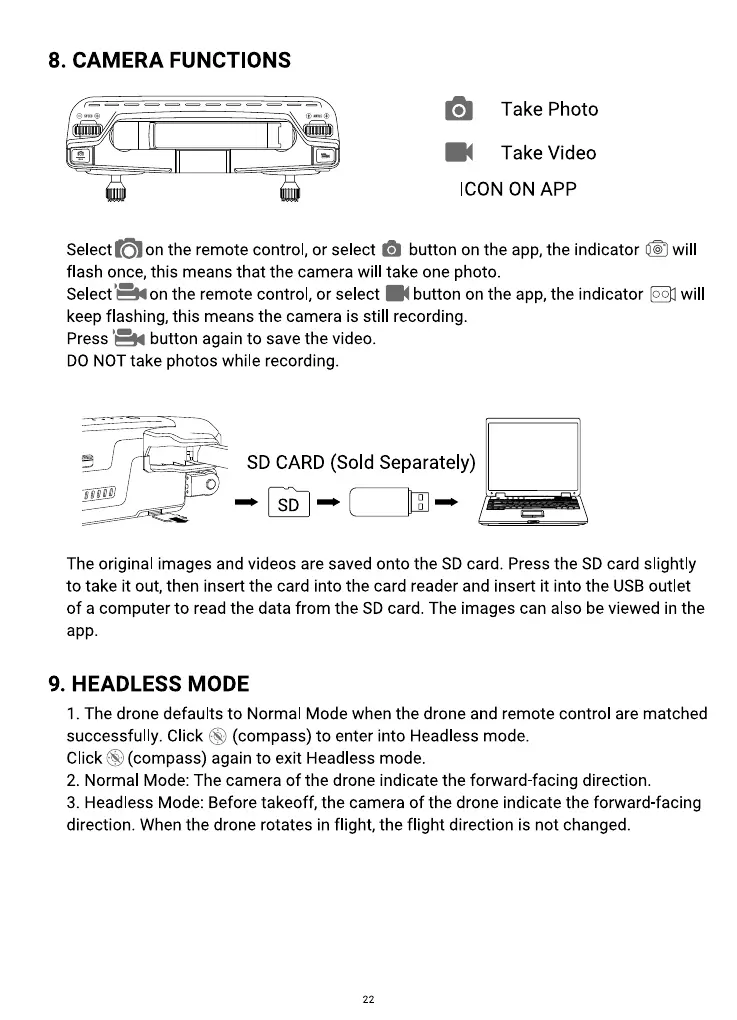
The original images and videos are saved onto the SD card. Press the SD card slightly
to take it out, then insert the card into the card reader and insert it into the USB outlet
of a computer to read the data from the SD card. The images can also be viewed in the
app.
9. HEADLESS MODE
I. The drone defaults to Normal Mode when the drone and remote control are matched
(compass) to enter into Headless mode.
successfully. Click
ClickS) (compass)againto exit Headlessmode.
2. Normal Mode: The camera of the drone indicate the forward-facing direction.
3. Headless Mode: Before takeoff, the camera of the drone indicate the forward-facing
direction. When the drone rotates in flight, the flight direction is not changed.
22



 To Next Page