5. IMAGE RECOGNITION FOLLOW ME / GESTURE CONTROL
, then choose
Select
,tap on the object or person you want to track, and
tap to confirm your selection.
(NOTE:Make sure the size of the frame you mark is the same as the object
or person you've selected, the frame should not be too large.)
6. HAND GESTURES
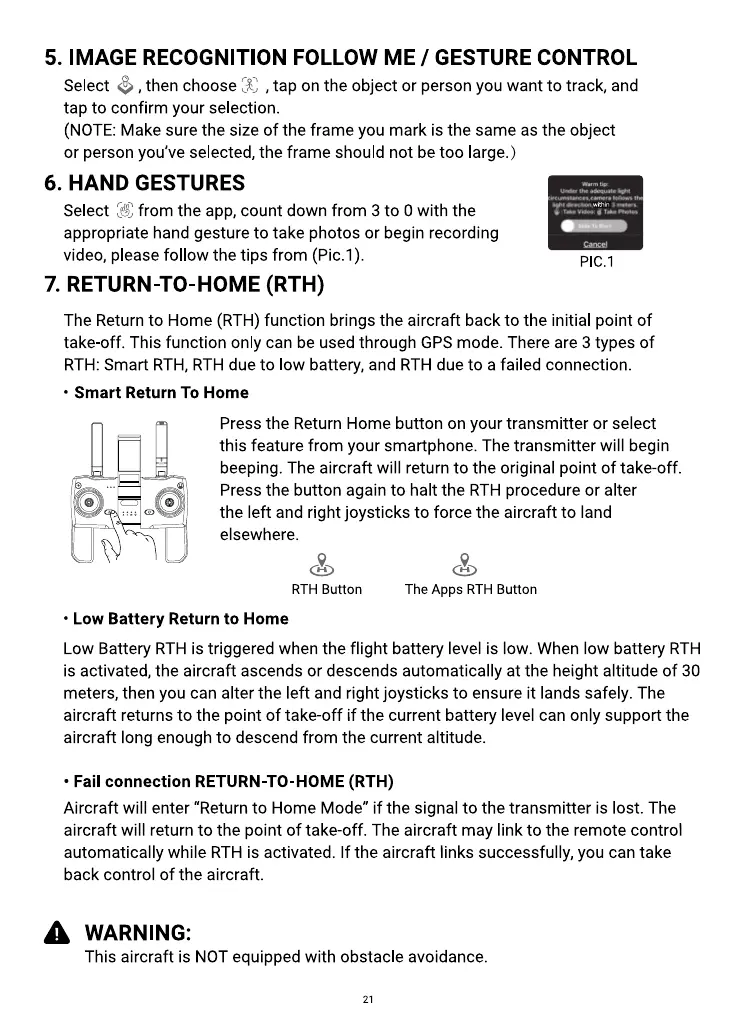
from the app, count down from 3 to Owith the
Select
appropriate hand gesture to take photos or begin recording
video, please follow the tips from (Pic.l).
7. RETURN-TO-HOME (RTH)
Plc. I
The Return to Home (RTH) function brings the aircraft back to the initial point of
take off. This function only can be used through GPS mode. There are 3 types of
RTH: Smart RTH, RTH due to low battery, and RTH due to a failed connection.
• Smart Return To Home
Press the Return Home button on your transmitter or select
this feature from your smartphone. The transmitter will begin
beeping. The aircraft will return to the original point of take-off.
Press the button again to halt the RTH procedure or alter
the left and right joysticks to force the aircraft to land
elsewhere.
RTH Button
• Low Battery Return to Home
The Apps RTH Button
Low Battery RTH is triggered when the flight battery level is low. When low battery RTH
is activated, the aircraft ascends or descends automatically at the height altitude of 30
meters, then you can alter the left and right joysticks to ensure it lands safely. The
aircraft returns to the point of take-off if the current battery level can only support the
aircraft long enough to descend from the current altitude.
• Fail connection RETURN-TO-HOME (RTH)
Aircraft will enter "Return to Home Mode" if the signal to the transmitter is lost. The
aircraft will return to the point of take-off. The aircraft may link to the remote control
automatically while RTH is activated. If the aircraft links successfully, you can take
back control of the aircraft.
A WARNING:
This aircraft is NOT equipped with obstacle avoidance.
21



 To Next Page