+BLUETOOTH
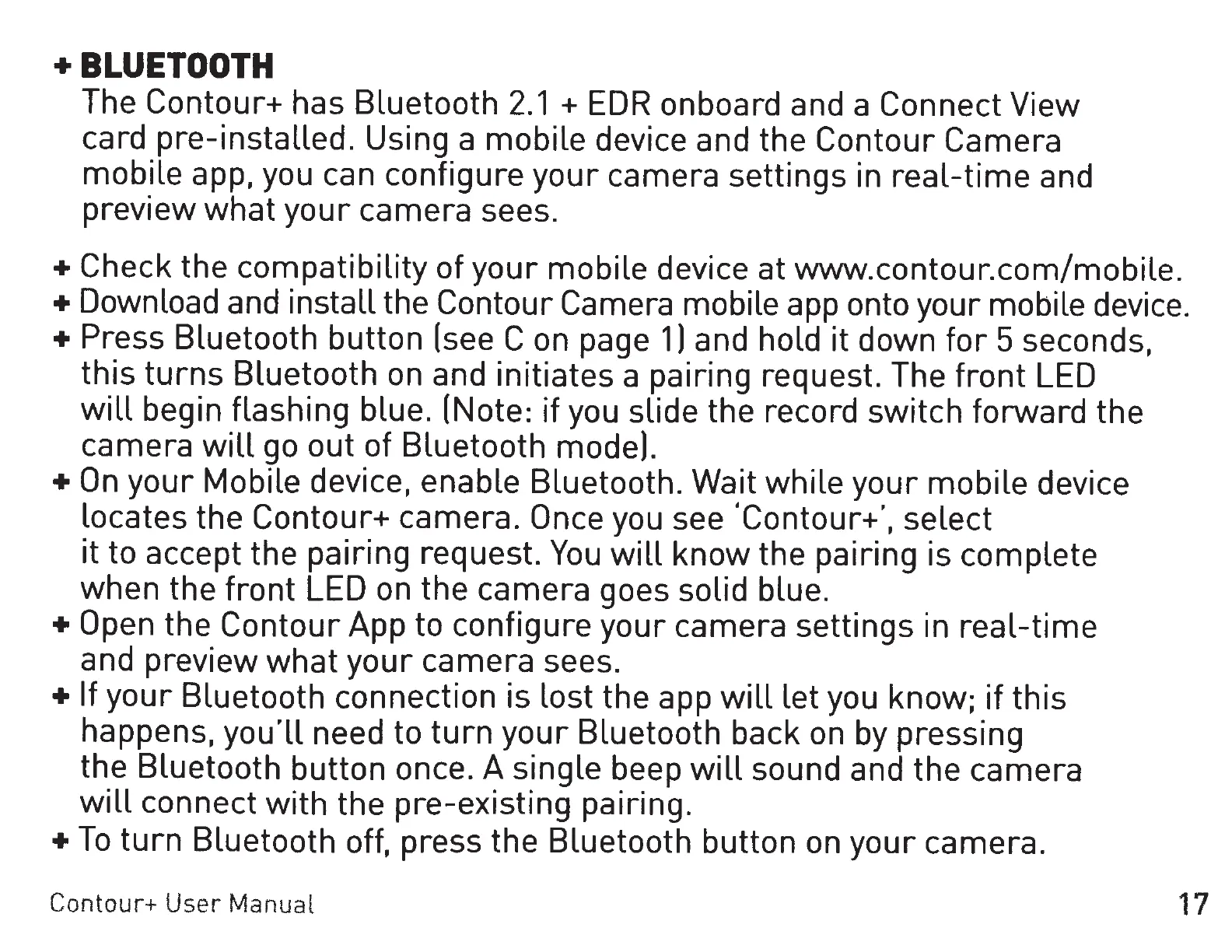
The Contour+ has Bluetooth
2.1
+
EDR
onboard and a Connect
View
card pre-installed. Using a
mobile
device and the Contour Camera
mobile
app, you can configure
your
camera settings in
real-time
and
preview
what
your
camera sees.
+ Check the
compatibility
of
your
mobile device at www.contour.com/mobile.
+Download and install the Contour Camera mobile app onto your mobile device.
+ Press Bluetooth
button
(see C on page
1)
and hold
it
down
for
5 seconds,
this
turns
Bluetooth on and initiates a pairing request. The
front
LED
will
begin flashing blue. (Note:
if
you slide the record switch forward
the
camera
will
go out of Bluetooth mode).
+On
your
Mobile device, enable Bluetooth. Wait
while
your
mobile
device
locates the Contour+ camera.
Once you see 'Contour+',
select
it
to accept the pairing request.
You
will
know
the pairing is complete
when the
front
LED on
the
camera goes solid blue.
+Open
the
Contour
App
to
configure
your
camera settings in
real-time
and preview
what
your
camera sees.
+ If
your
Bluetooth connection is lost the app
will
let
you know;
if
this
happens.
you'LL
need
to
turn
your
Bluetooth back
on
by pressing
the Bluetooth
button
once. A single beep
will
sound and
the
camera
will
connect
with
the
pre-existing pairing.
+To
turn
Bluetooth
off,
press
the
Bluetooth button on
your
camera.
Contour+
User
Manual
17


 To Next Page