+
microSD
CARD
FORMATTING
All
microSD cards MUST be
formatted
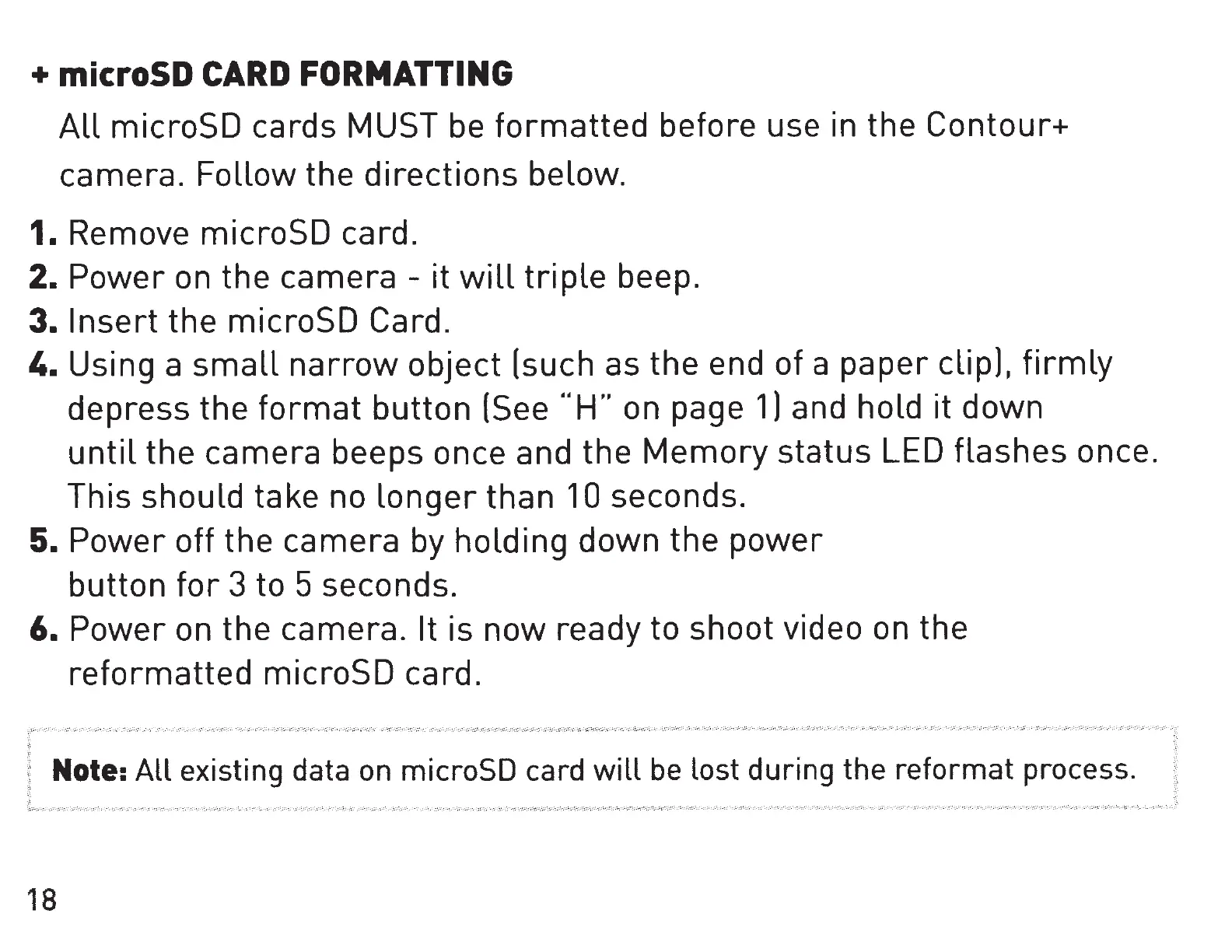
before use in the Contour+
camera. Follow the
directions
below.
1.
Remove microSD card.
2. Power
on
the camera - it
will
triple
beep.
3.
Insert
the microSD Card.
4. Using a
small
narrow
object (such as the end of a paper
clip),
firmly
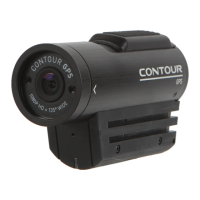
depress the
format
button
(See
""H"
on page
1)
and hold it down
until
the
camera beeps once and the
Memory
status LED flashes once.
This should take no
longer
than
10
seconds.
5.
Power off the camera by holding down the
power
button
for
3 to 5 seconds.
6. Power on the camera.
It
is now ready to shoot video on the
reformatted
microSD card.
Note:
All
existing data on microSD card will be lost during the reformat process.
18


 To Next Page