+USING
THE
GPS
FUNCTION
GPS
in the Contour+ is
turned
on automatically when the camera is
powered on. The
GPS
module
must
acquire 4
GPS
satellites
in
order
to obtain a position fix (Fix). The Record/GPS Status
LED
on
the
front
of the camera
will
flash (either green
or
red, depending
if
the camera is recording
or
not)
while
the camera searches
for
satellites
and obtains a Fix. Once a Fix has been obtained, the
Record/GPS
Status
light
will
remain a solid
color
(green
or
red).
The ability
for
the
GPS
module in the camera to acquire satellites is
affected
by
environmental variables. The Contour+ is most
efficient in obtaining a Fix in
an
'open sky'
or
'unobstructed horizon'
situation.
Key
environmental variables are as follows:
+ Outdoors
(GPS
will
not
work
indoors
or
an
obstructed overhead situation).
+
No
tall
buildings, cliffs,
or
objects blocking the view to the sky
or
horizon.
+Not
in a natural
or
urban 'canyon' where the satellite signals can bounce
around before getting to the camera.
+The
record
slider
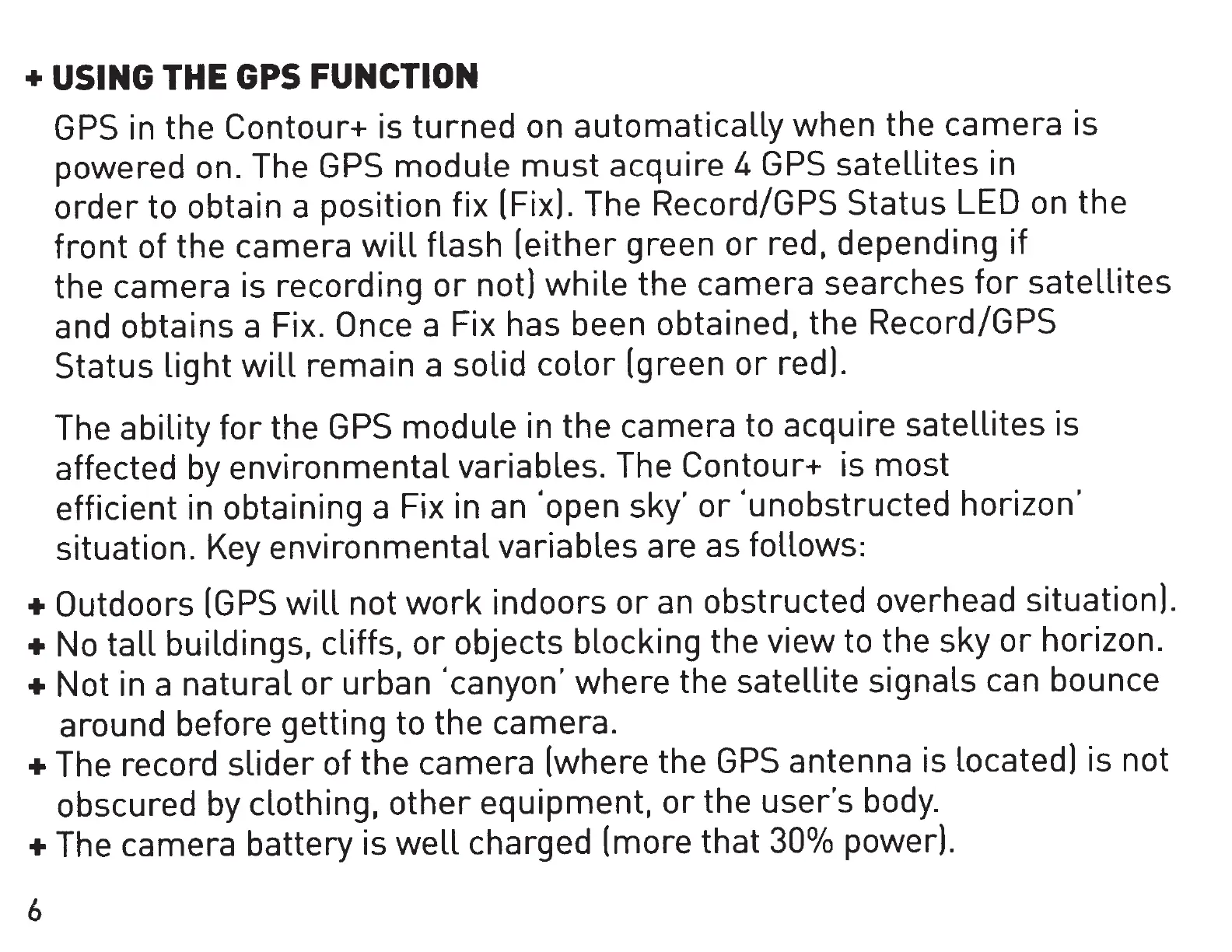
of the camera (where the
GPS
antenna is Located) is not
obscured
by
clothing,
other
equipment,
or
the user's
body.
+The
camera battery is
well
charged (more that
30°/o
power).
6


 To Next Page