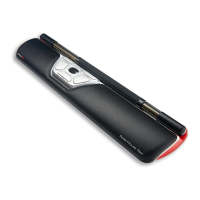
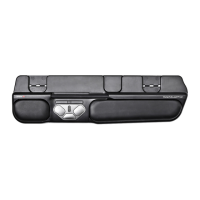
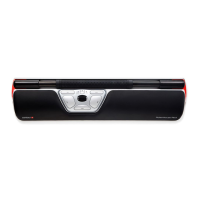
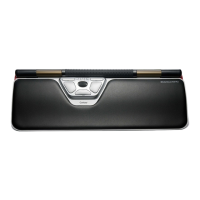
Need help?
Do you have a question about the Contour unimouse wired and is the answer not in the manual?
Lists the items included in the product packaging for initial setup.
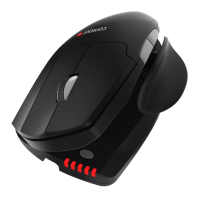
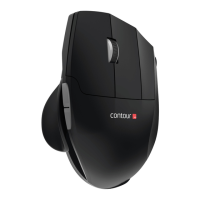
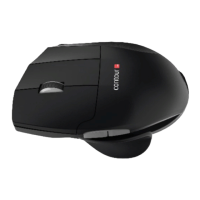
Identifies key mouse parts like buttons, scroll wheel, and their basic functions.
Guides on connecting the mouse and changing the middle click function to double click.
Details how to adjust the thumb rest and tilt for personalized comfort and grip.
Explains how to change cursor speed (DPI) using the button and LED indicators.
Covers FCC/IC compliance, warranty details, and a warning against dismantling the product.
 General
| Connection Type | Wired |
|---|---|
| Sensor Type | Optical |
| Ergonomic Design | Yes |
| Interface | USB |
| Hand Orientation | Right |
| Scroll Wheel | Yes |
| Tracking Method | Optical |
| Color | Black |
| Compatibility | Mac |
| Adjustability | Yes, Adjustable Thumb Support and Angle |
| Resolution | 800 DPI |

 To Next Page