6
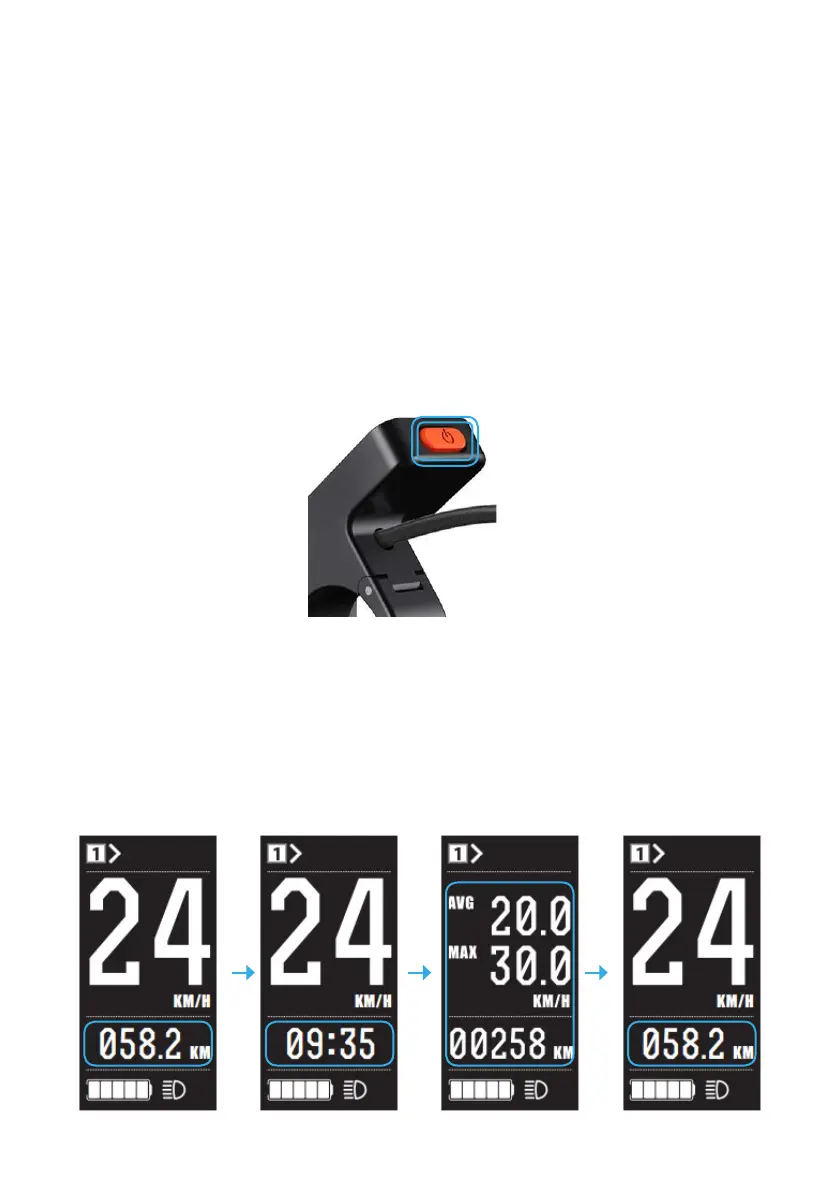
VIEWING THE MAIN USER INFORMATION
After starting up the display the default main user screen is ‘speed’.
Short presses of the ‘M’ button change the indicated information in
sequence as below:
Trip Distance> Riding TIME >Ave/Max Speed + Odometer Distance>Trip.
TURNING THE SYSTEM ON AND OFF
Ensure the switch on the battery is in the ‘On’ position.
Hold the Display Power button for 2 seconds, then the display will power
on.
With the display on, holding the Power button for 2 seconds will turn off
the system.
Additionally, you can shut the system down by turning the battery off.
MAIN USER SCREEN



 To Next Page